Card payments
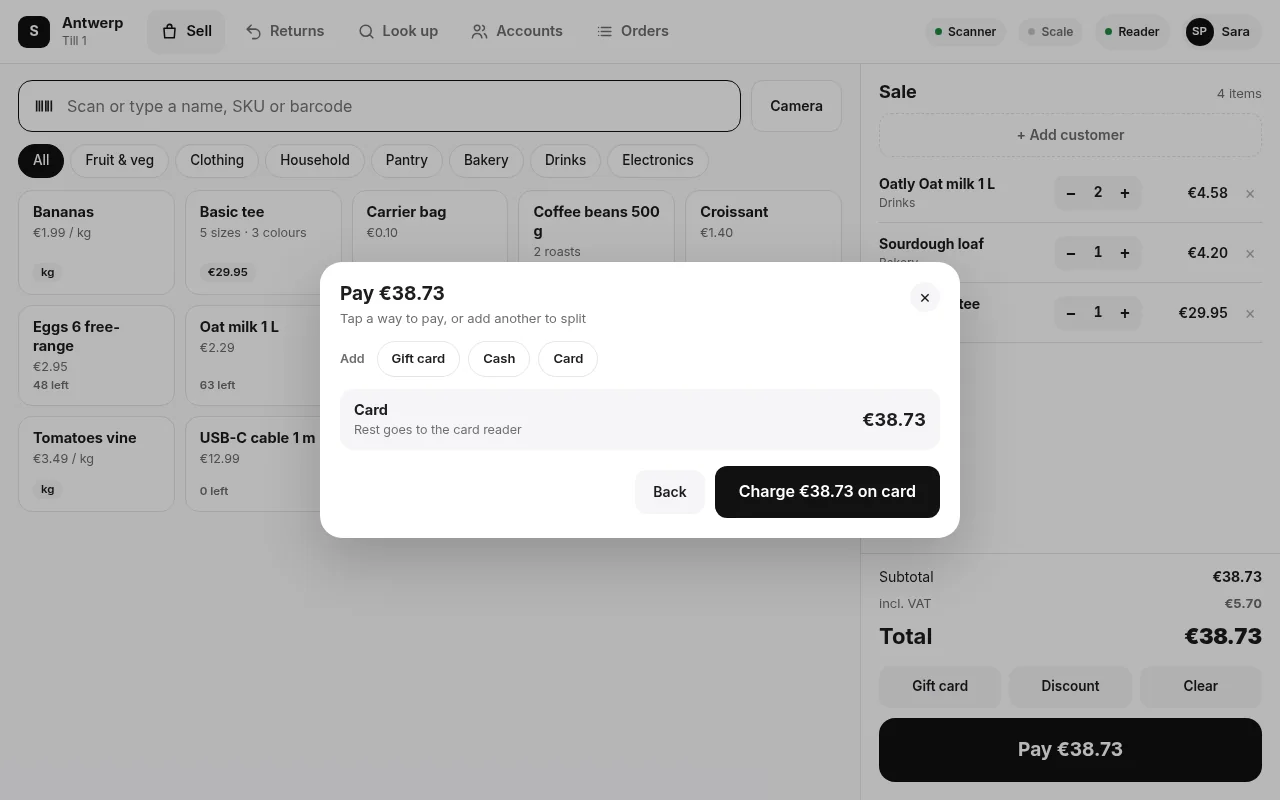
Connect your own card reader. The till sends the amount, the customer taps their card, the sale is paid. The money goes to your own account.
The amount goes straight to the reader
No typing amounts twice. The till sends the total to the card reader and waits for the card.
- SumUp Solo or Stripe Terminal
- Cancel from the till if the customer changes their mind
- Card and cash in one sale
Customer accounts
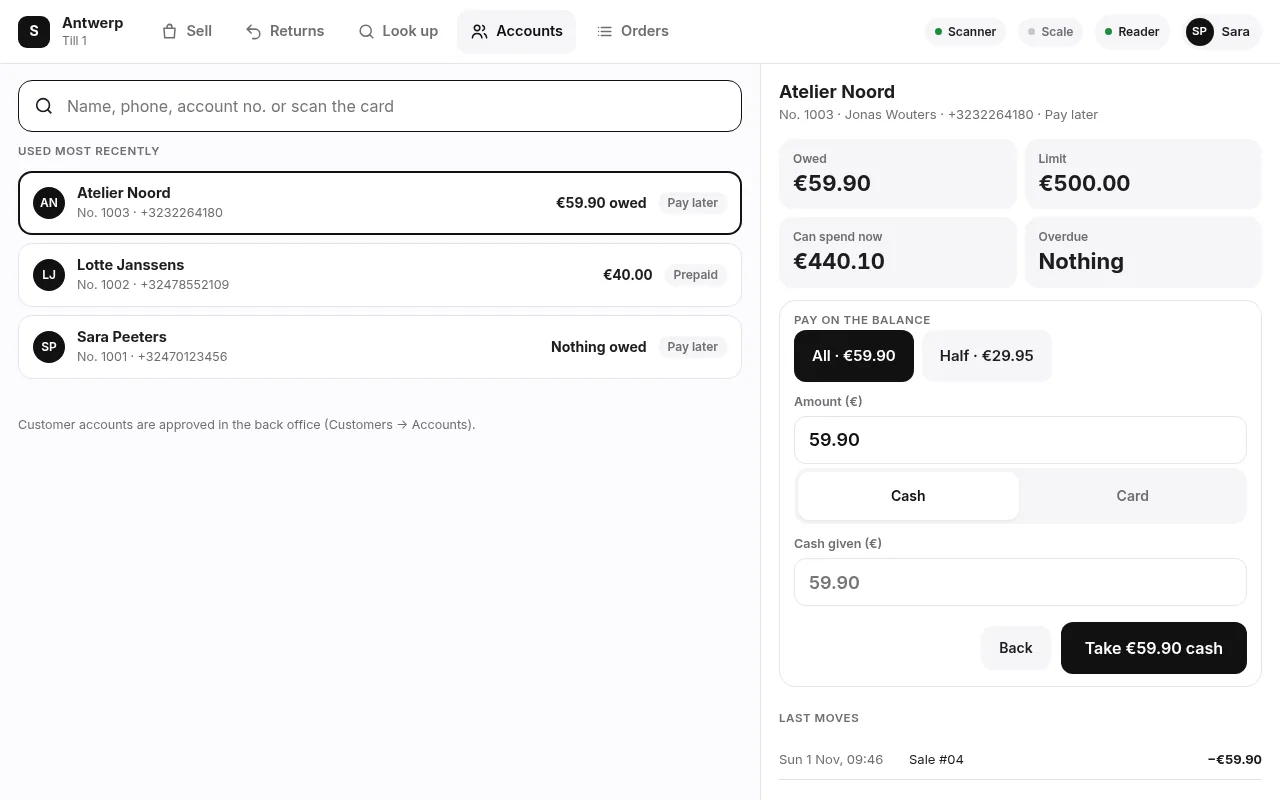
Regulars and companies can buy on account. When they settle up, the till shows what they owe and takes it by cash or card.
- Prepaid or pay later
- Balance shown at the till
- Approved by you
Your account, your money
Each shop connects its own SumUp or Stripe account in Settings. Payouts go straight to you.
- Connect in a few steps from Settings
- Payouts go directly to you
More features
Gift cards & returns
Sell gift cards at the till. Returns and exchanges in a few taps, with rules you set.
Learn more ›Products & labels
One product list with sizes, colours and barcodes. Shelf labels, stickers and hang tags from it.
Learn more ›Stock, transfers & counts
Stock per shop, transfers between shops, counts on a phone, and suppliers.
Learn more ›Ready when you are.
Tell us about your shop and we'll show you servi with your own products.