Kitchen screen
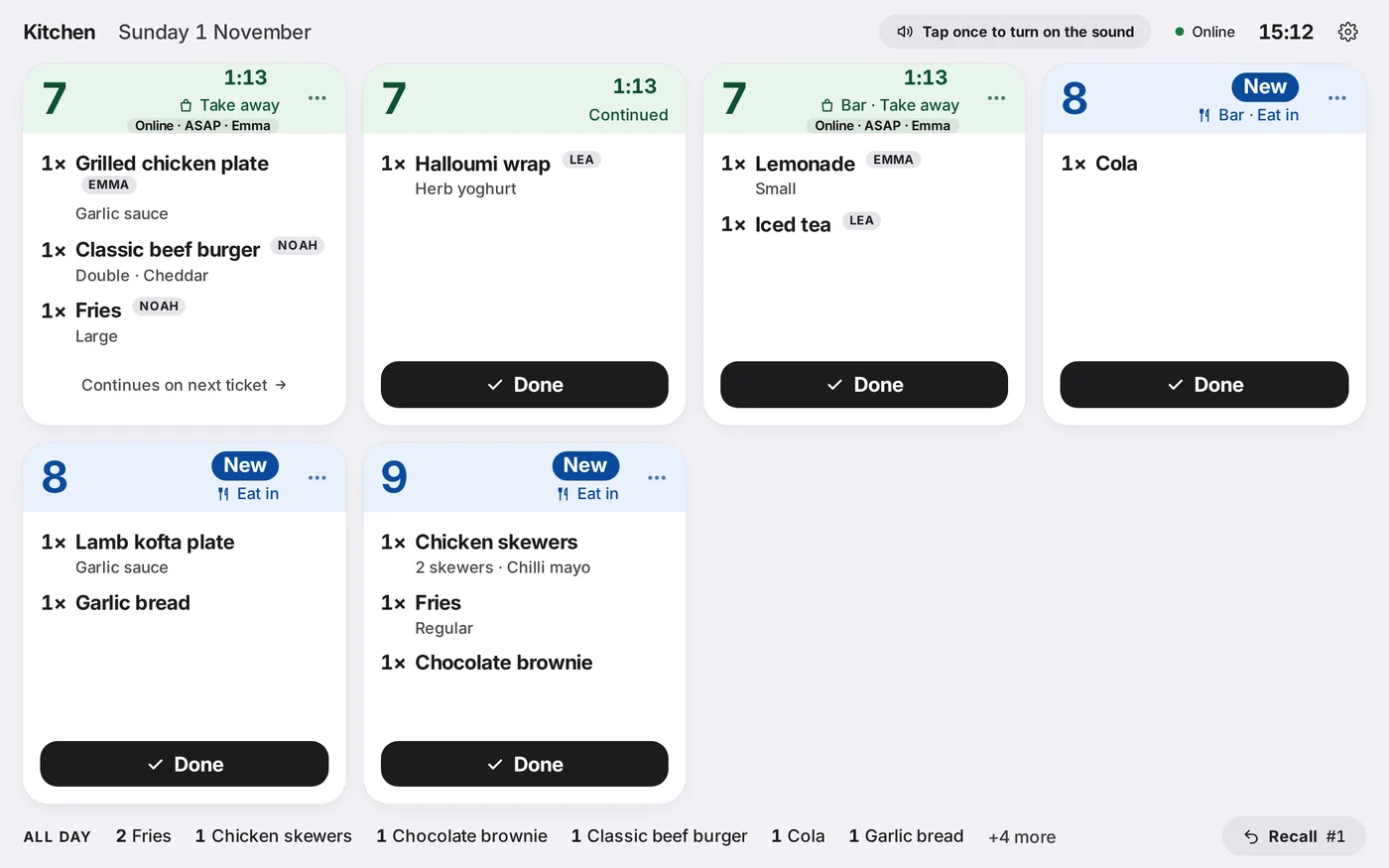
Kiosk, till, online and delivery orders land on one screen the moment they're placed. No paper, no shouting.
Every order, one screen
Tickets show items, options and how long they've been waiting. Tap a ticket when it's done.
- Kiosk, till, online and delivery orders
- Timer on every ticket
- Stations: highlight what each one makes
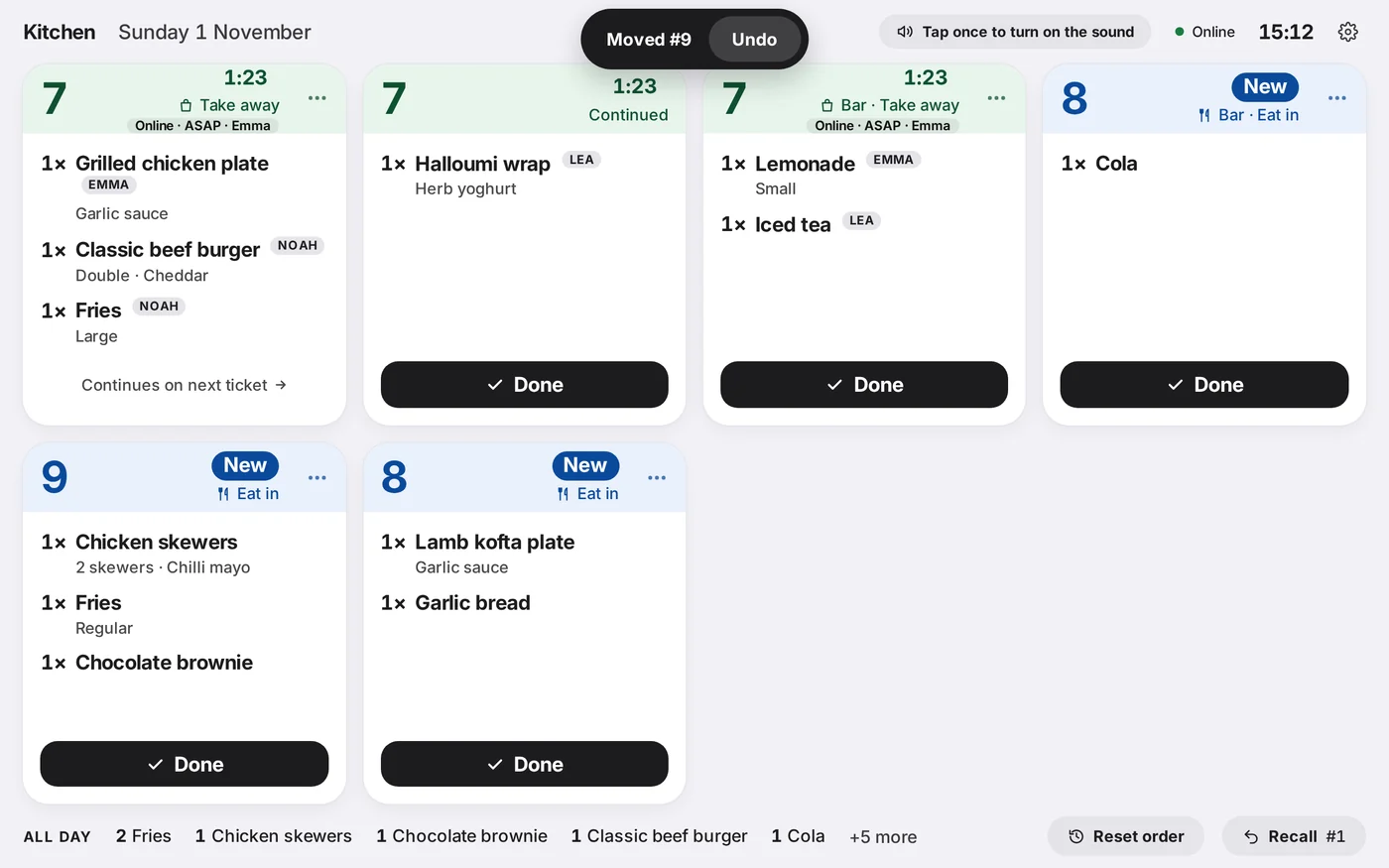
Drag to change the order
A big order can wait while the quick ones go out. Drag a ticket to where it belongs — and undo if you got it wrong.
- Drag and drop tickets
- Undo after every move
- Light and dark mode, Hebrew included
Stations and a bar screen
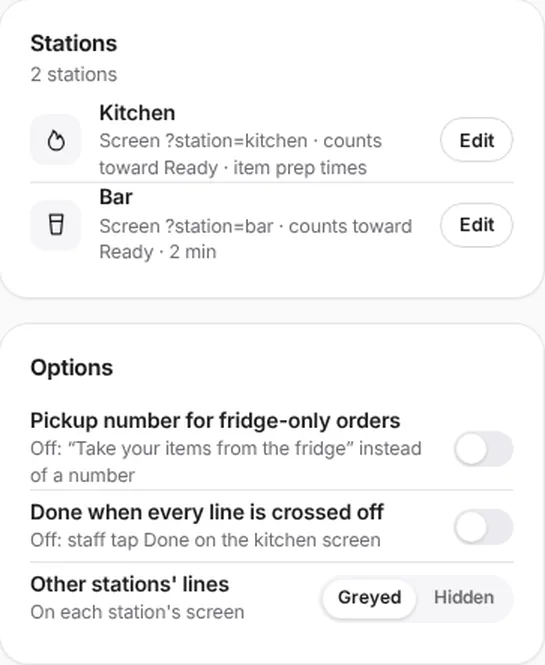
Decide where each part of an order is made. Each station gets its own screen and ticket, drinks can go to a bar screen, and fridge items need nothing.
- Stations with their own screen and ticket
- A bar screen for drinks
- Prep time per station counts toward “ready”
More features
Status screen & menu boards
Order numbers on a TV. Menu boards on as many screens as you like.
Learn more ›Hardware & printing
Receipt and kitchen printers and cash drawers in one place. iPads print with no extra box.
Learn more ›Meal deals & promo codes
Build meal deals and promo codes in minutes. They work everywhere.
Learn more ›Ready when you are.
Tell us about your restaurant and we'll show you servi on your own menu.