Status screen & menu boards
Put any TV to work. Show order numbers as they're ready, or turn your menu into boards that update themselves.
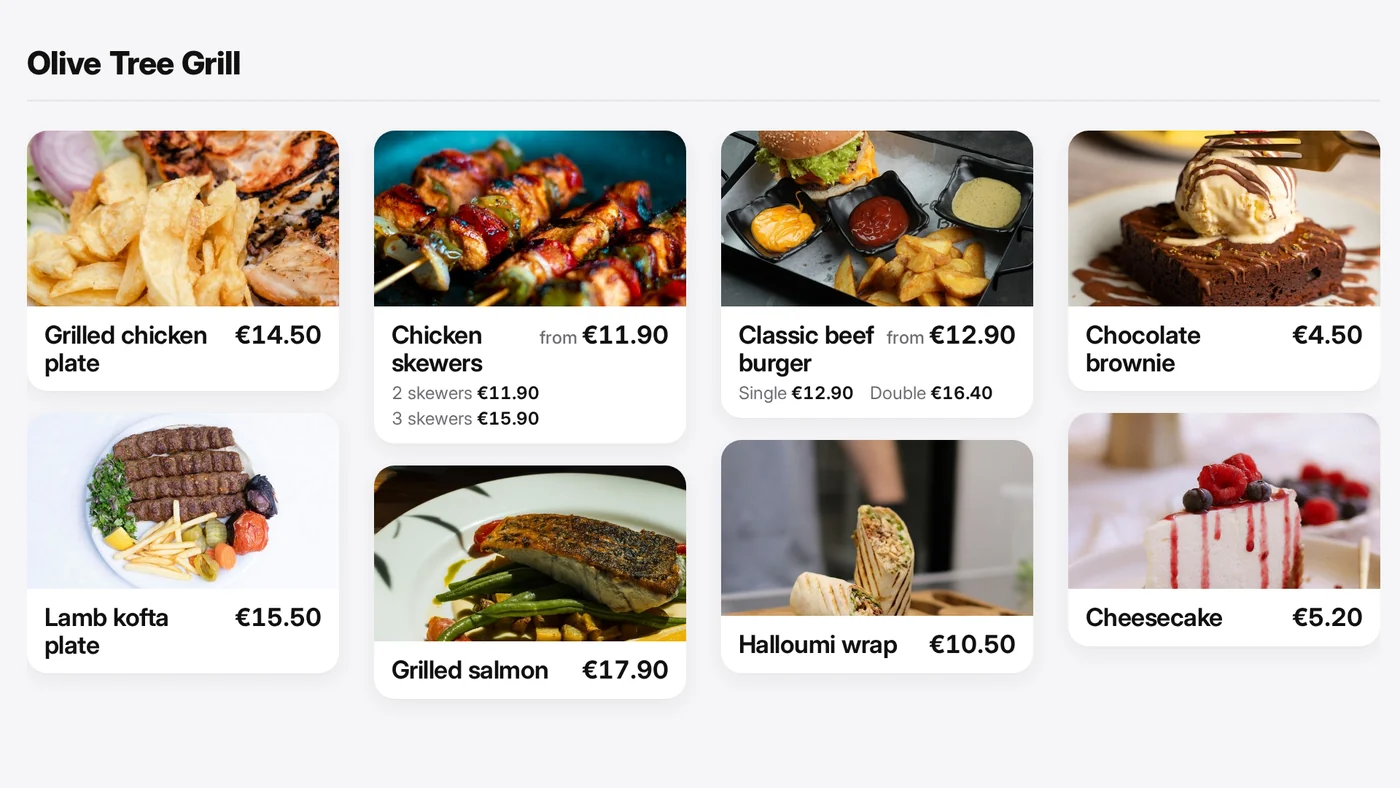
Order numbers only
Guests see their number move from preparing to ready. No names on screen.
- Preparing and ready, at a glance
- Big, readable numbers
- Light or dark, in your colours
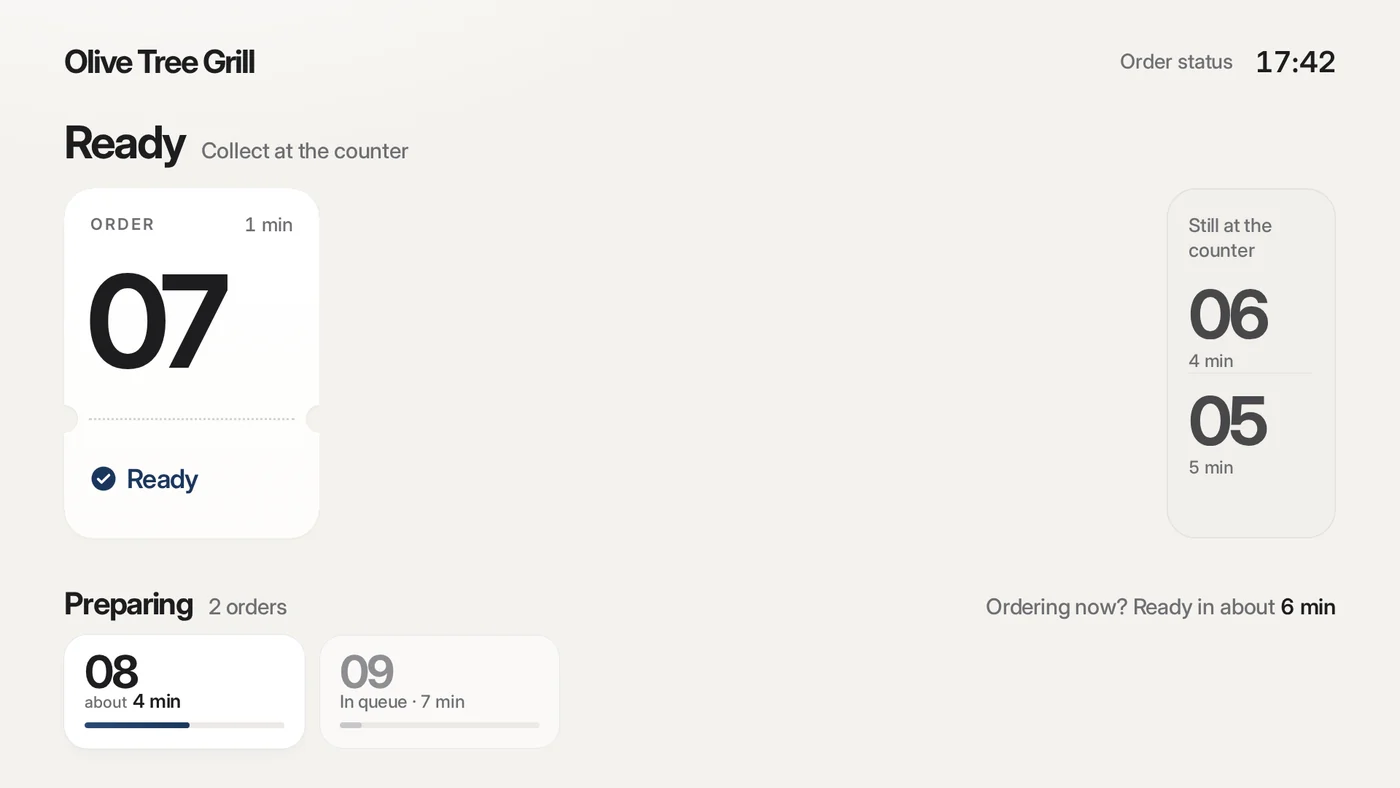
Follow it on your phone
Guests scan the QR on their receipt or kiosk screen and get a live status page.
- No app to install
- Updates live
- A beep on the phone when it's ready, if you want it
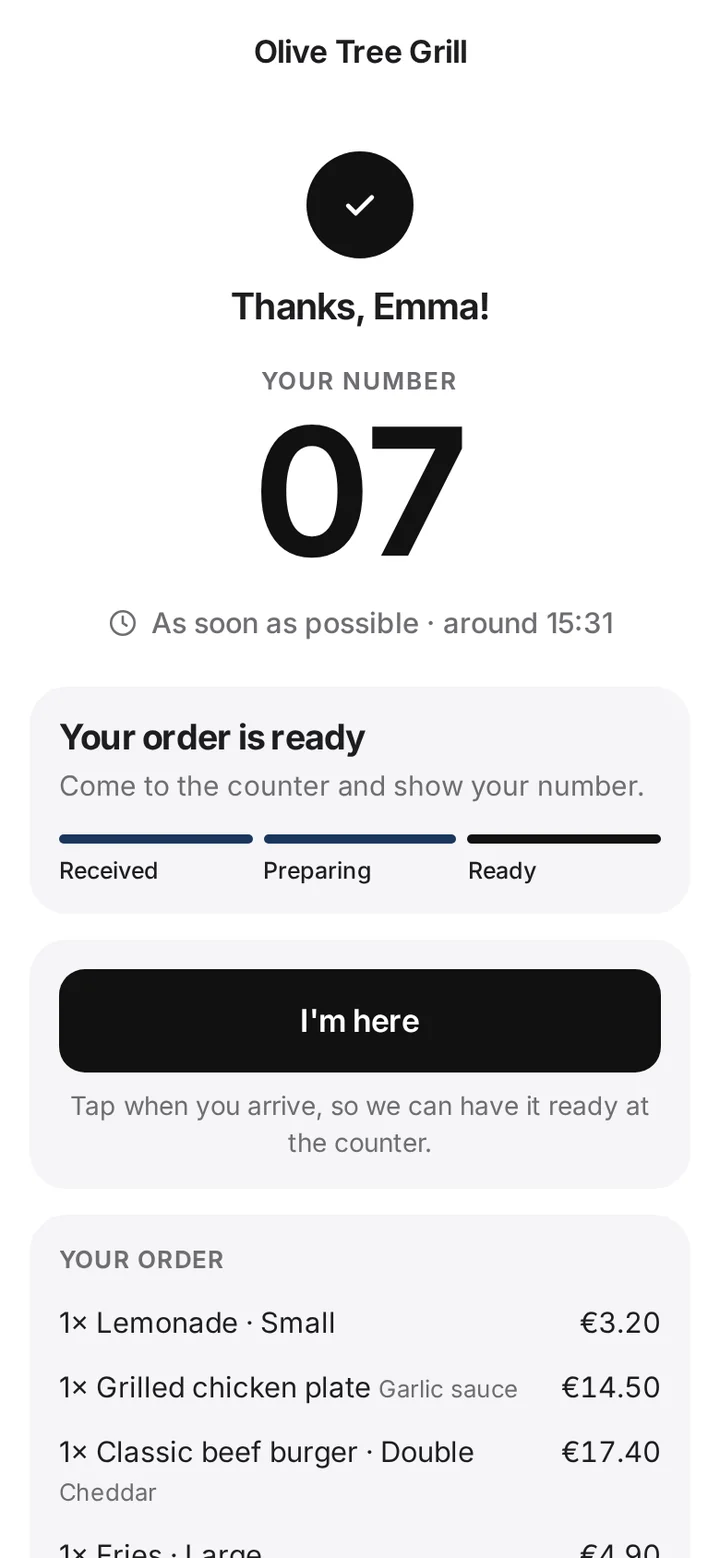
Menu boards on any screen
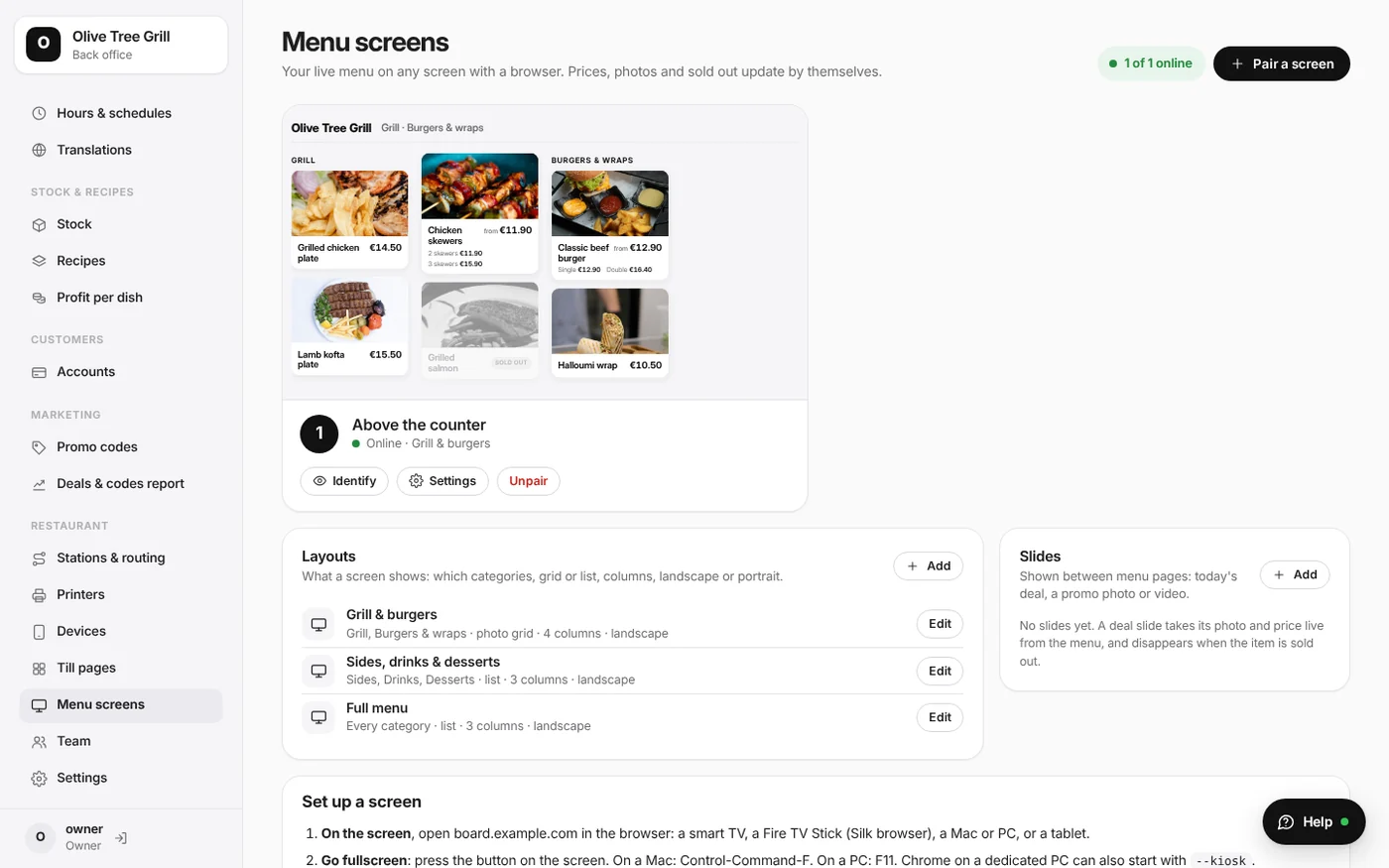
Photos, prices and deals on your TVs, straight from your menu. Change a price once, every board updates.
- Unlimited screens
- One board across several TVs
- Deal slides
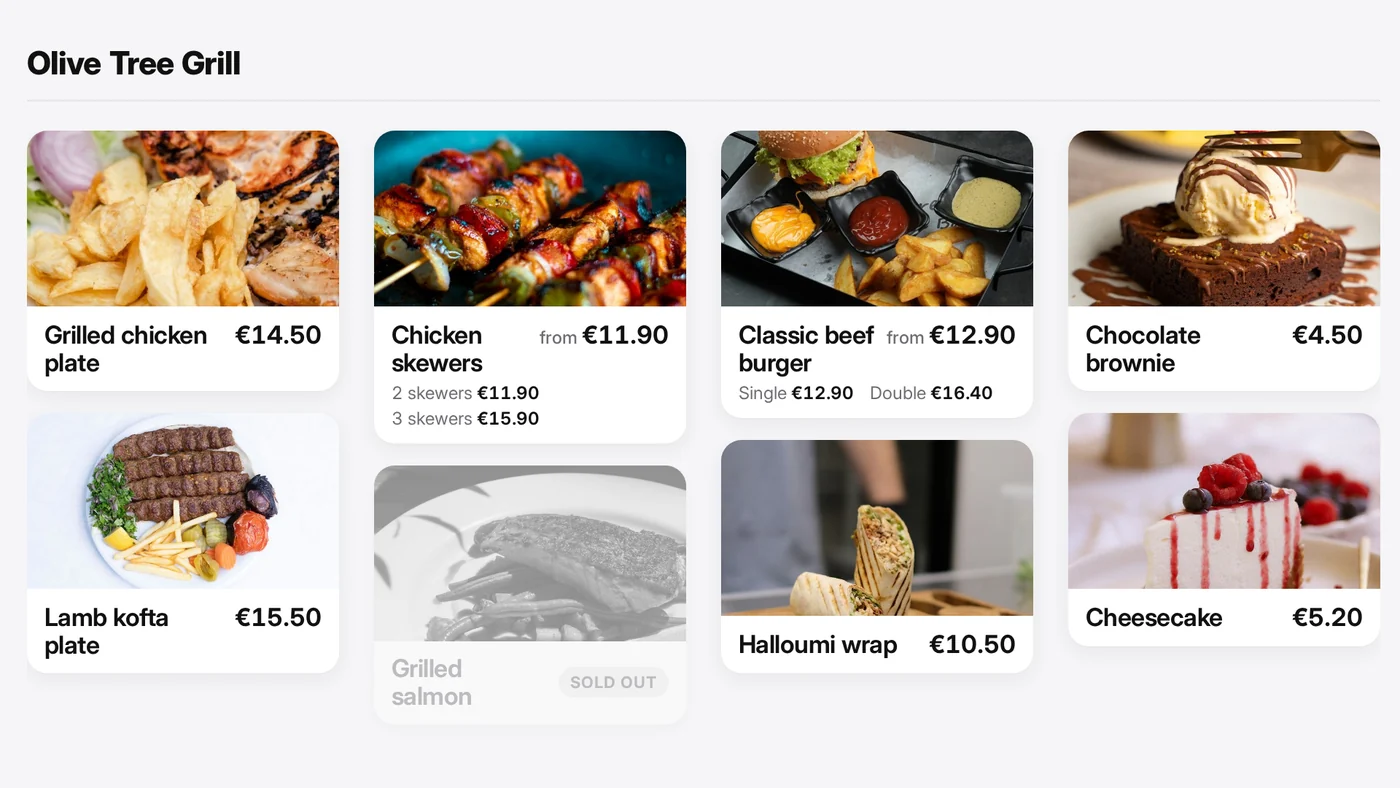
Sold out once, sold out everywhere
Mark an item sold out and it greys out on every board, the kiosk and online.
- Shared sold-out list
- Back in stock with one tap
- Nothing to update by hand
Choose what each screen shows
In the back office, pick the categories, layout and slides for each screen, in landscape or portrait. Show a different menu at different times, and a closed screen outside your hours.
- Different menus at different times
- Photo and video slides
- A closed screen outside your hours
More features
Hardware & printing
Receipt and kitchen printers and cash drawers in one place. iPads print with no extra box.
Learn more ›Meal deals & promo codes
Build meal deals and promo codes in minutes. They work everywhere.
Learn more ›Customer accounts
Prepaid or pay-later accounts for regulars and companies, approved by you.
Learn more ›Ready when you are.
Tell us about your restaurant and we'll show you servi on your own menu.