Self-service kiosk
A big, simple touch menu with photos. Guests build their order, take the meal deal, pay and get a number. Your team just cooks.
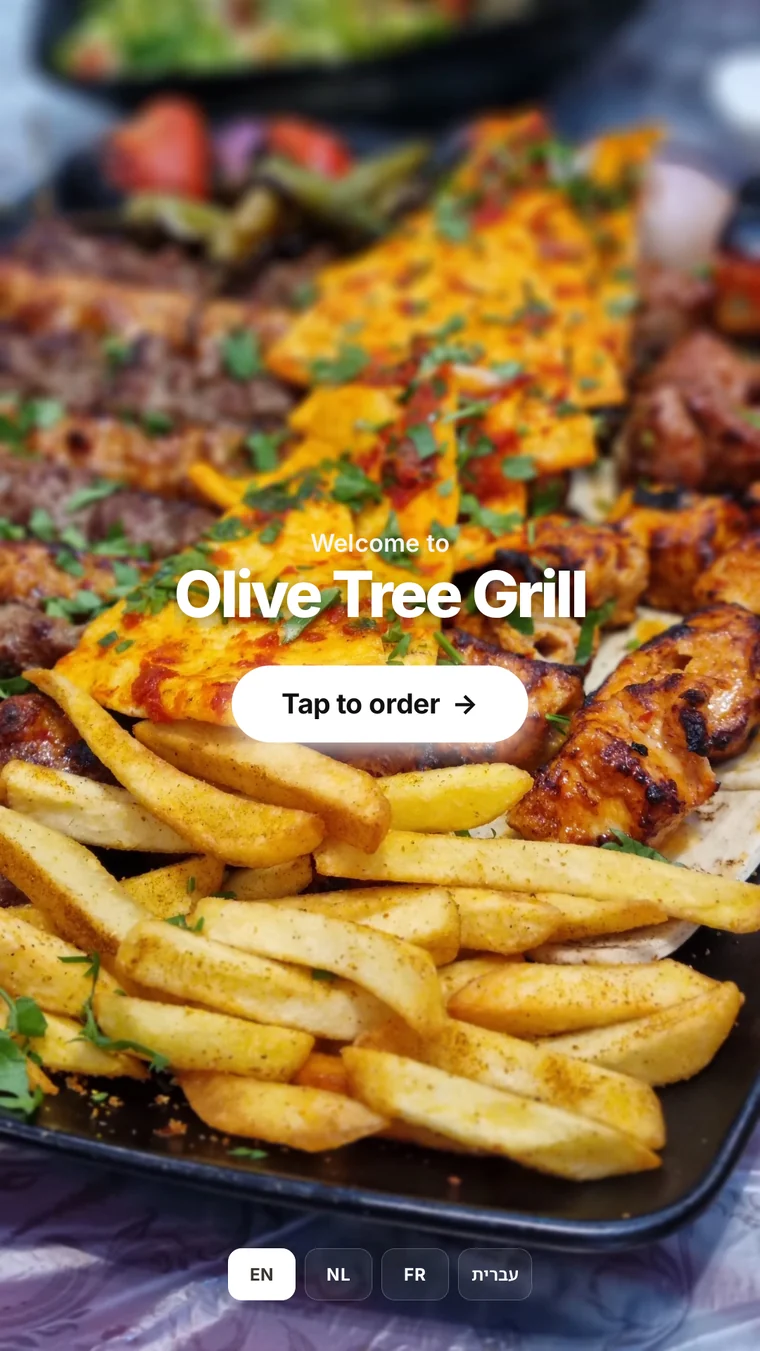
Photos that do the selling
Every item shows its photo, price and options. Guests tap, choose their options and add it to the order.
- Large touch targets, easy for everyone
- Options and extras per item
- Sold-out items disappear everywhere at once
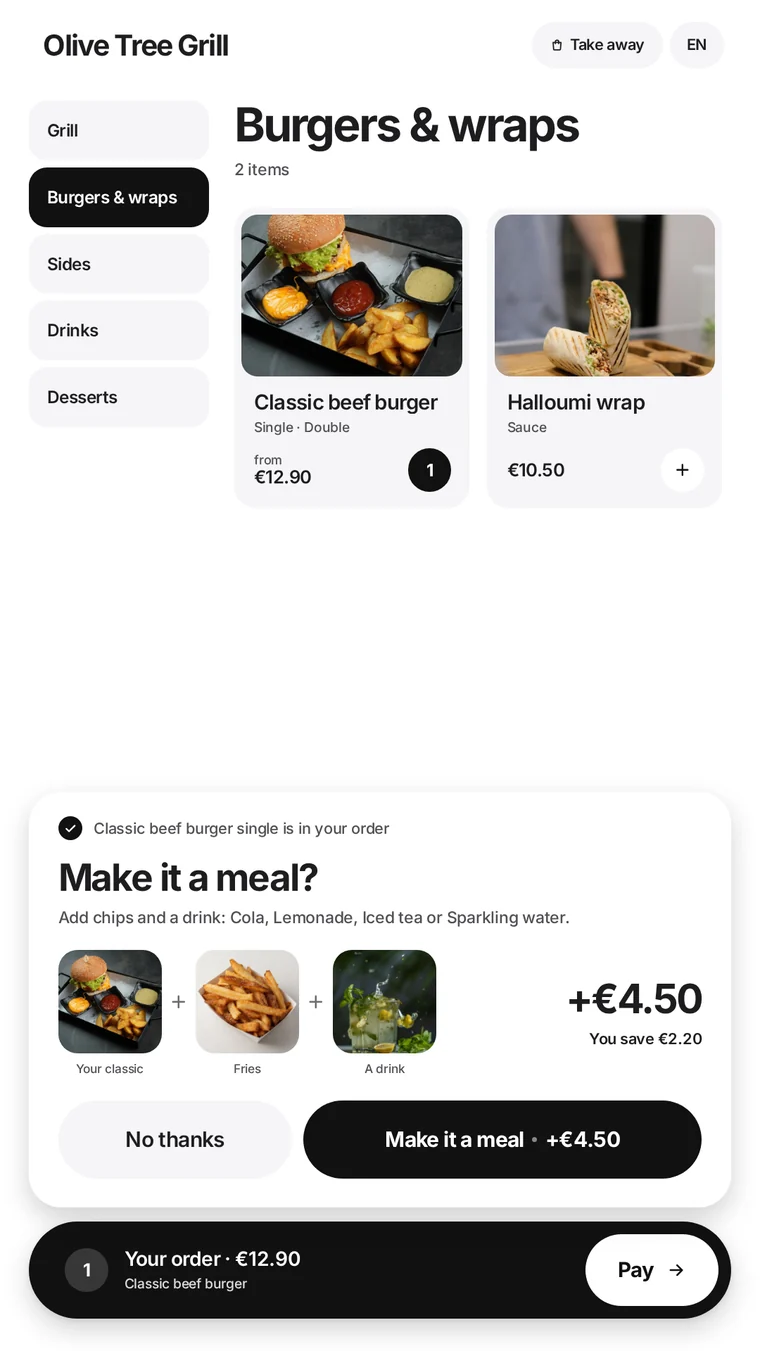
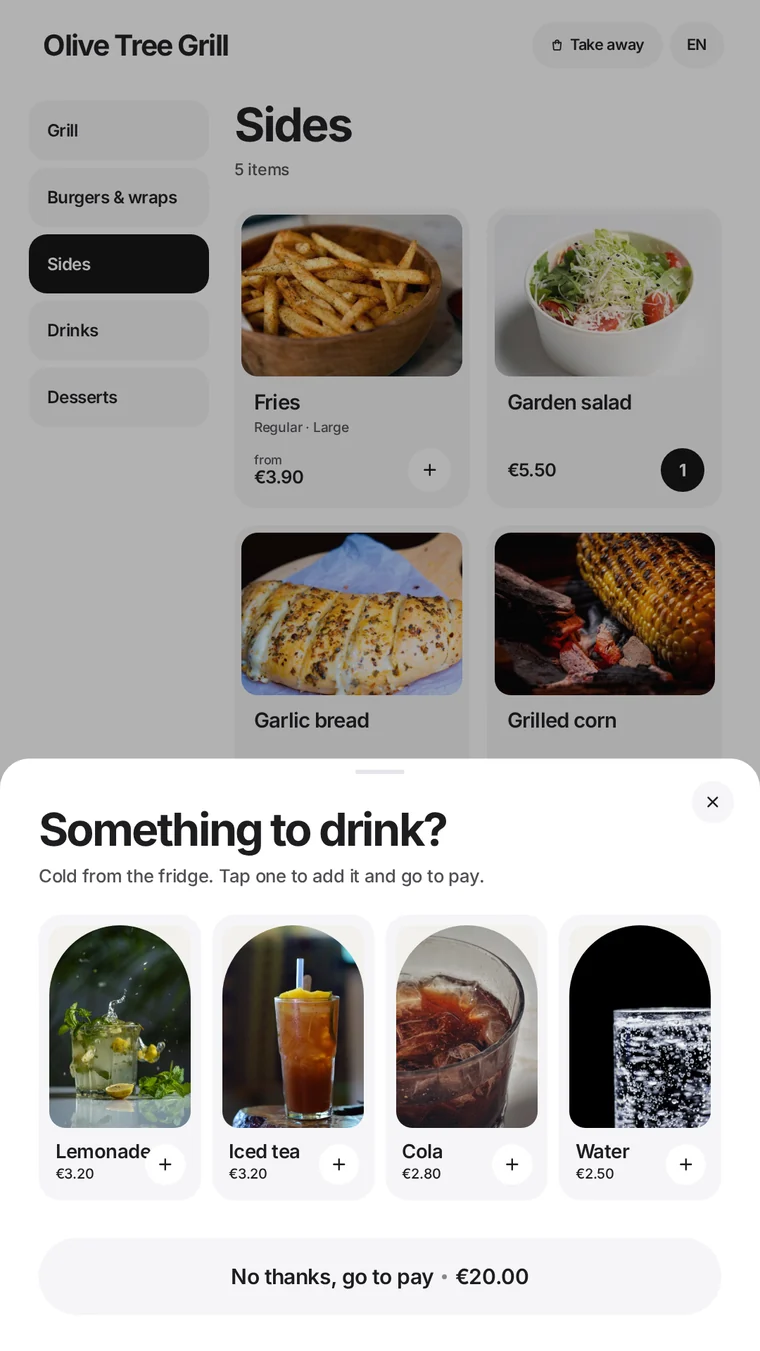
Upsells that feel helpful
Offer to make it a meal, or suggest a drink just before paying. You choose what's suggested.
- “Make it a meal” offers
- One last suggestion before paying
- See how many said yes and what it brought in
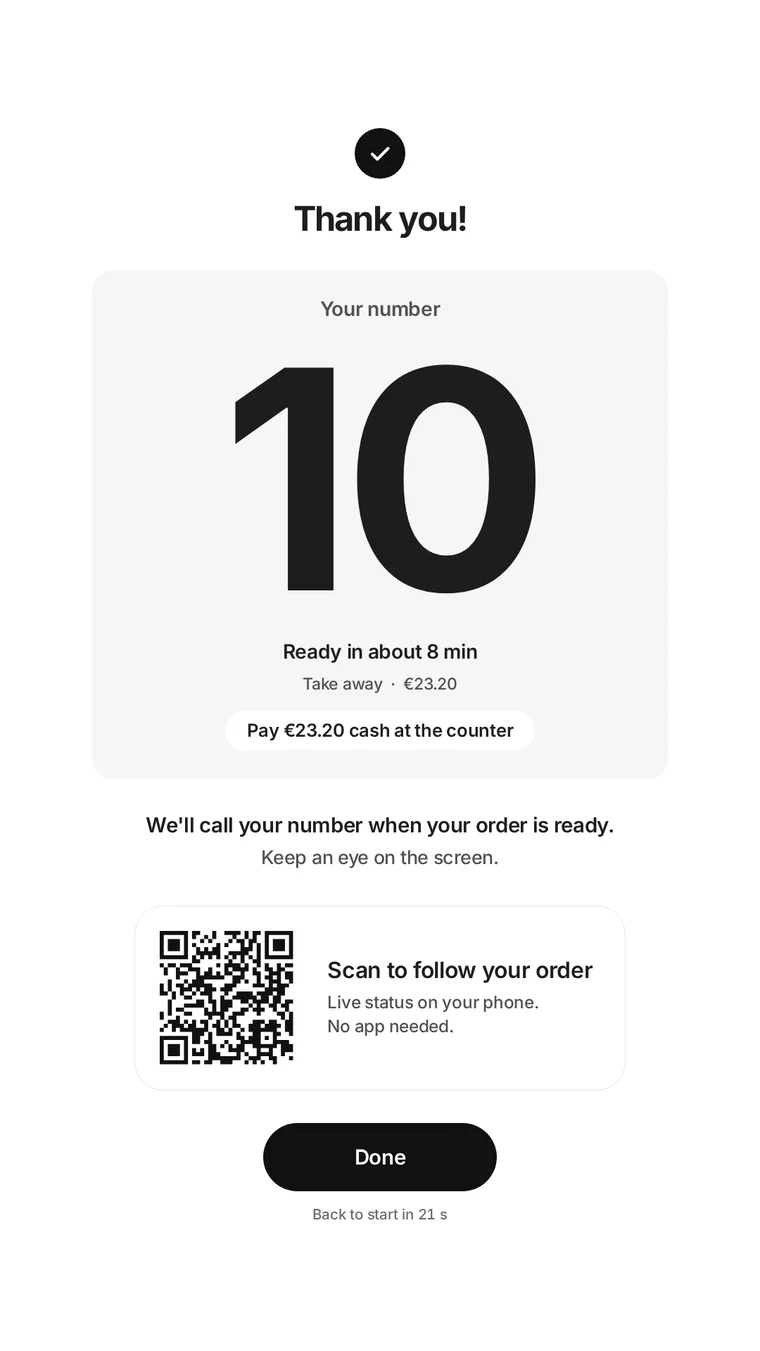
Order numbers, not names
Nobody is asked for their name. Guests get an order number to follow on the status screen, or on their phone with a QR code.
- Number on screen when the order is placed
- Scan to follow the order on your phone
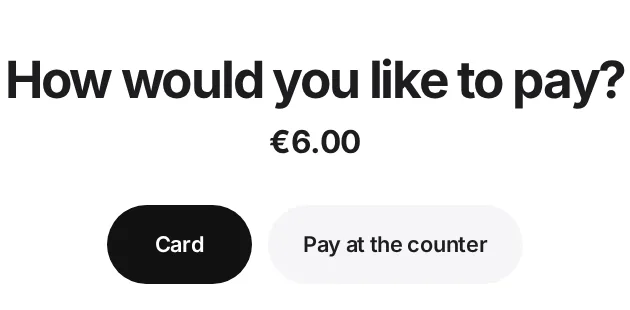
- Pay at the kiosk by card or at the counter
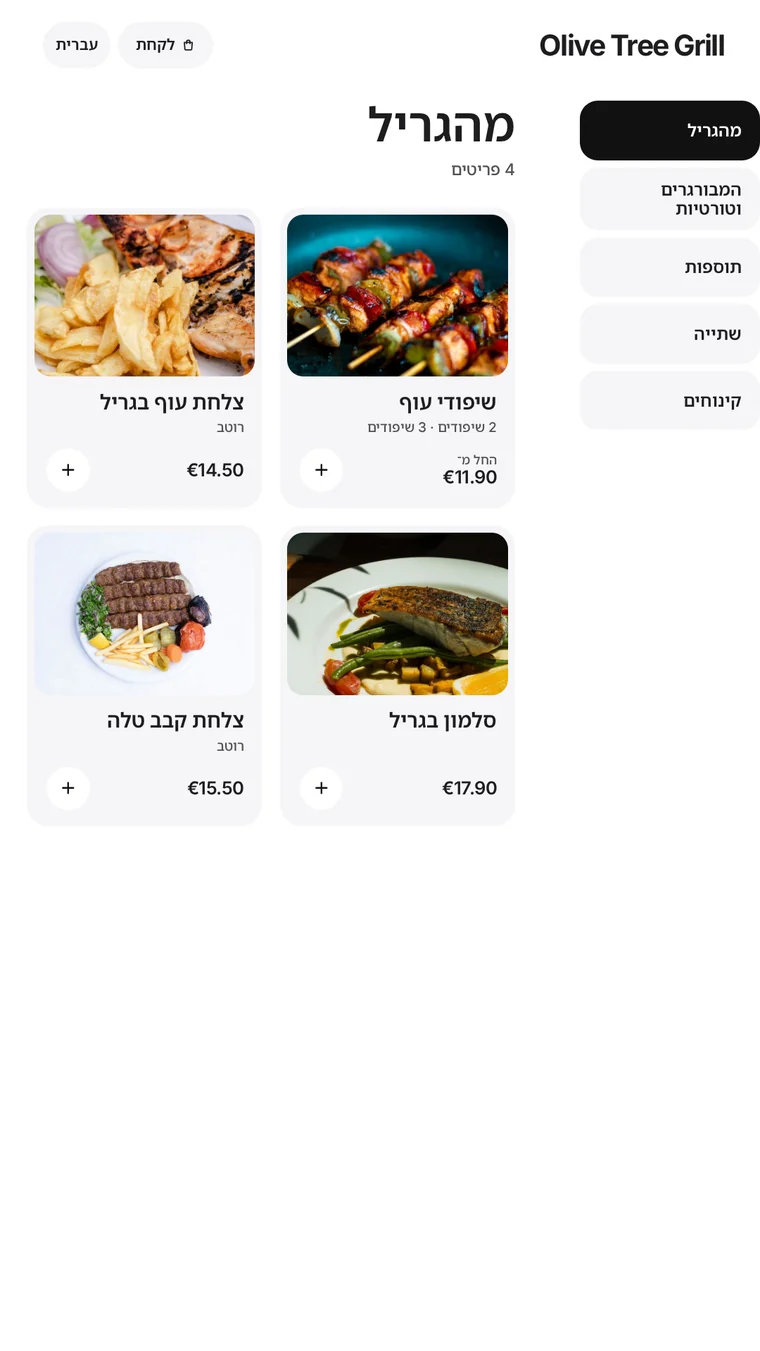
Speaks your guests' language
Guests switch language with one tap. Hebrew reads right-to-left, the way it should.
- English, Dutch, French and Hebrew
- Menu translated automatically
- Your own wording wins where you edit it
A start screen that's yours
Pick a colour, a soft gradient, your own photo or a video for the start screen. Add your welcome line and colours, or drifting food illustrations.
- Colour, gradient, photo or video
- Your own welcome line
- Your colours on the buttons
Honest waiting times
After ordering, the kiosk shows “Ready in about … min”, worked out from the slowest dish and what's already cooking. Switch on learning and it uses your kitchen's real times.
- Prep time per item
- Extra minutes on a rush
- Learns from your own orders every night
Open when you're open
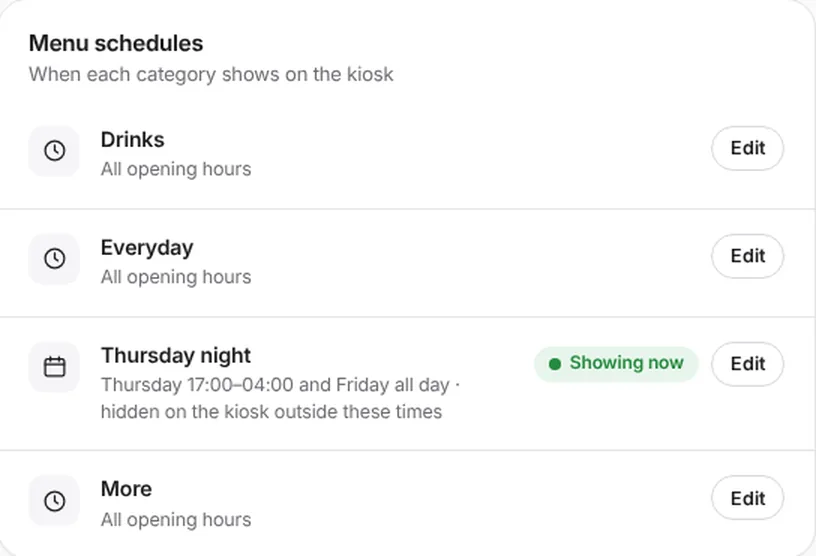
The kiosk takes orders within your opening hours. Categories can show at set times, like breakfast in the morning.
- Opening hours, past midnight too
- Categories at set times
- Changes reach every kiosk right away
Vouchers for counter items
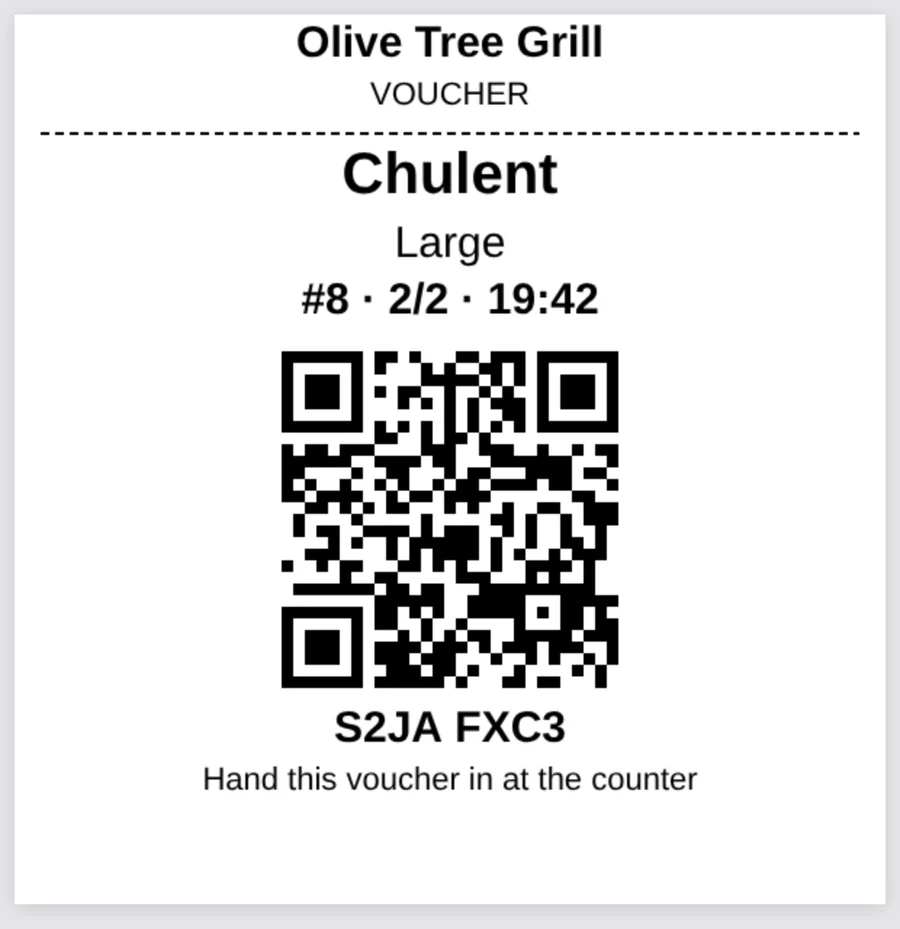
Some items are handed out at the counter, not made in the kitchen. Tick “Print voucher” on them and the kiosk prints one voucher per item with the receipt. The guest hands it in at the counter.
- One voucher per item, with a QR
- The kitchen never sees those items
- Uses the kiosk's own receipt printer
More features
Online ordering & delivery
Your own click & collect page, plus delivery with your own drivers.
Learn more ›Group orders
One link for the office lunch. Everyone adds their own, the kitchen gets one order.
Learn more ›Tables & QR ordering
A QR code on every table. Guests order in rounds and pay from their phone.
Learn more ›Ready when you are.
Tell us about your restaurant and we'll show you servi on your own menu.