Features / Card payments
Card payments
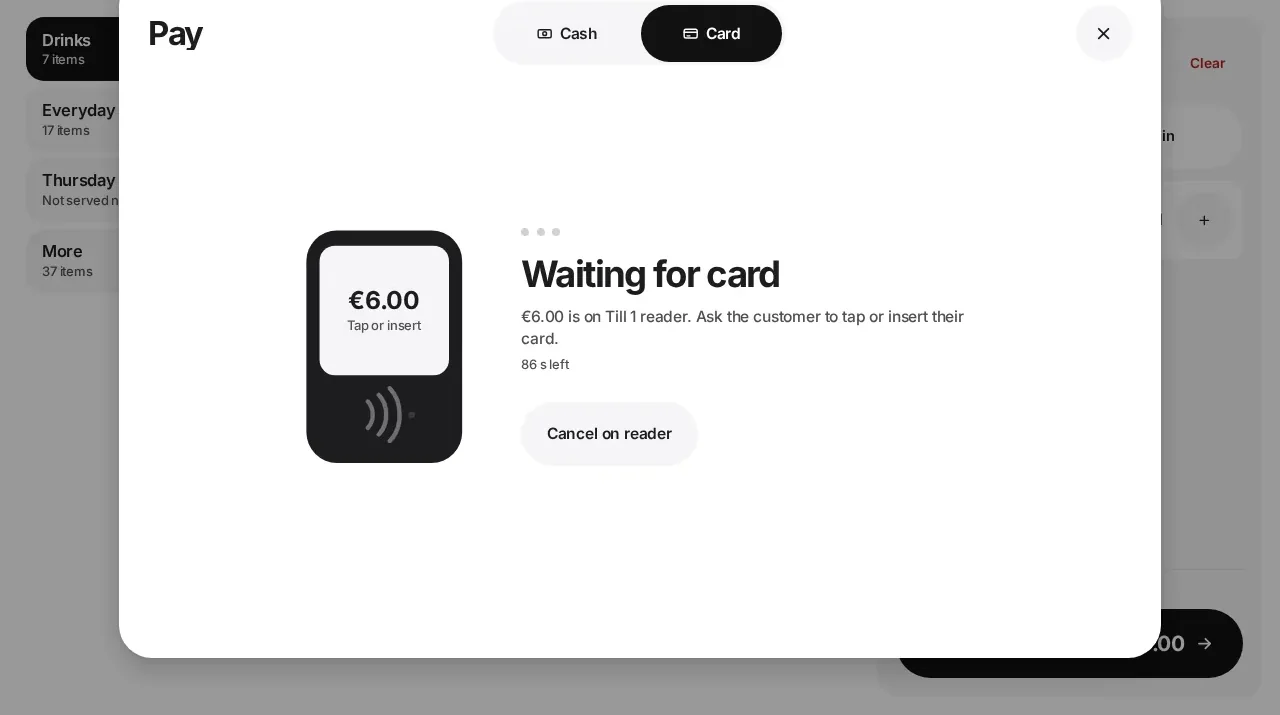
Connect your own card reader. The till sends the amount, the guest taps their card, the order is paid. The money goes to your own account.
The amount goes straight to the reader
No typing amounts twice. The till sends the total to the card reader and waits for the card.
- SumUp Solo or Stripe Terminal
- Cancel from the till if the guest changes their mind
- Tips on the reader, if you want them
Card at the kiosk too
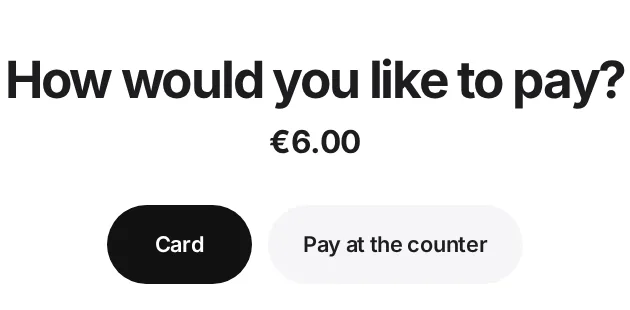
Guests can pay by card at the kiosk, or choose to pay at the counter.
- Card or pay-at-counter choice
- The kiosk shows the amount clearly
- Clear amount on screen
Your account, your money
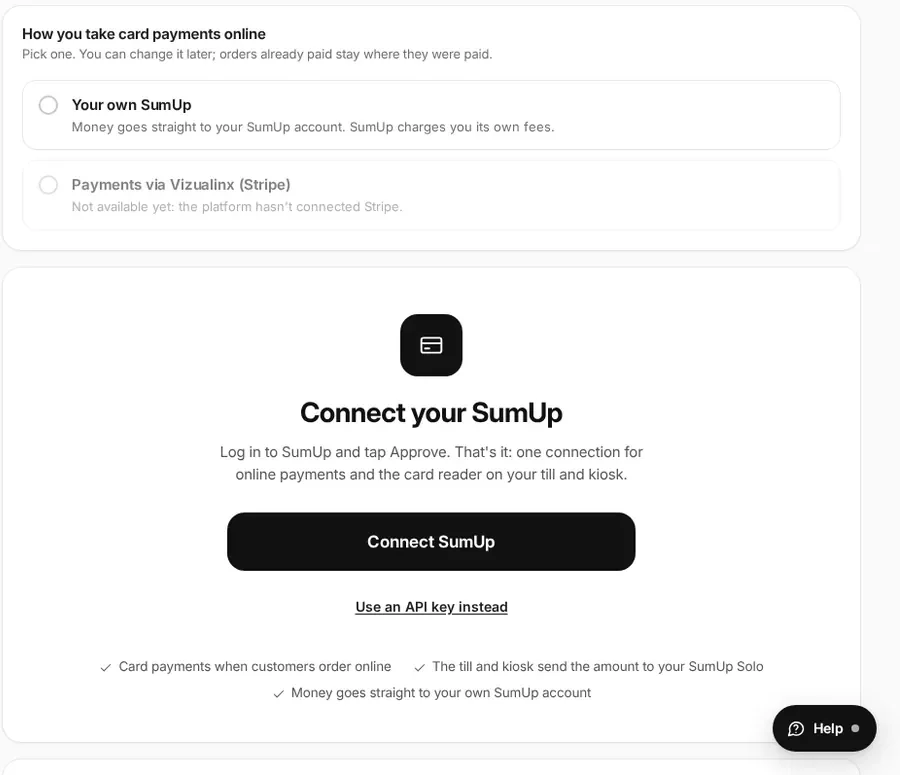
Each restaurant connects its own SumUp or Stripe account. The same account handles online payments.
- Connect in a few steps from Settings
- Payouts go directly to you
- Online and in-store on the same provider
Good to know: Every feature is off until you switch it on in Settings. Turn on only what your business needs.
More features
Kitchen screen
Every order on one screen. Drag tickets to change the order.
Learn more ›Status screen & menu boards
Order numbers on a TV. Menu boards on as many screens as you like.
Learn more ›Hardware & printing
Receipt and kitchen printers and cash drawers in one place. iPads print with no extra box.
Learn more ›Ready when you are.
Tell us about your restaurant and we'll show you servi on your own menu.