Features / Customer accounts
Customer accounts
Give regulars and companies an account. Prepaid (they top up) or pay later (you send the bill). You approve every account.
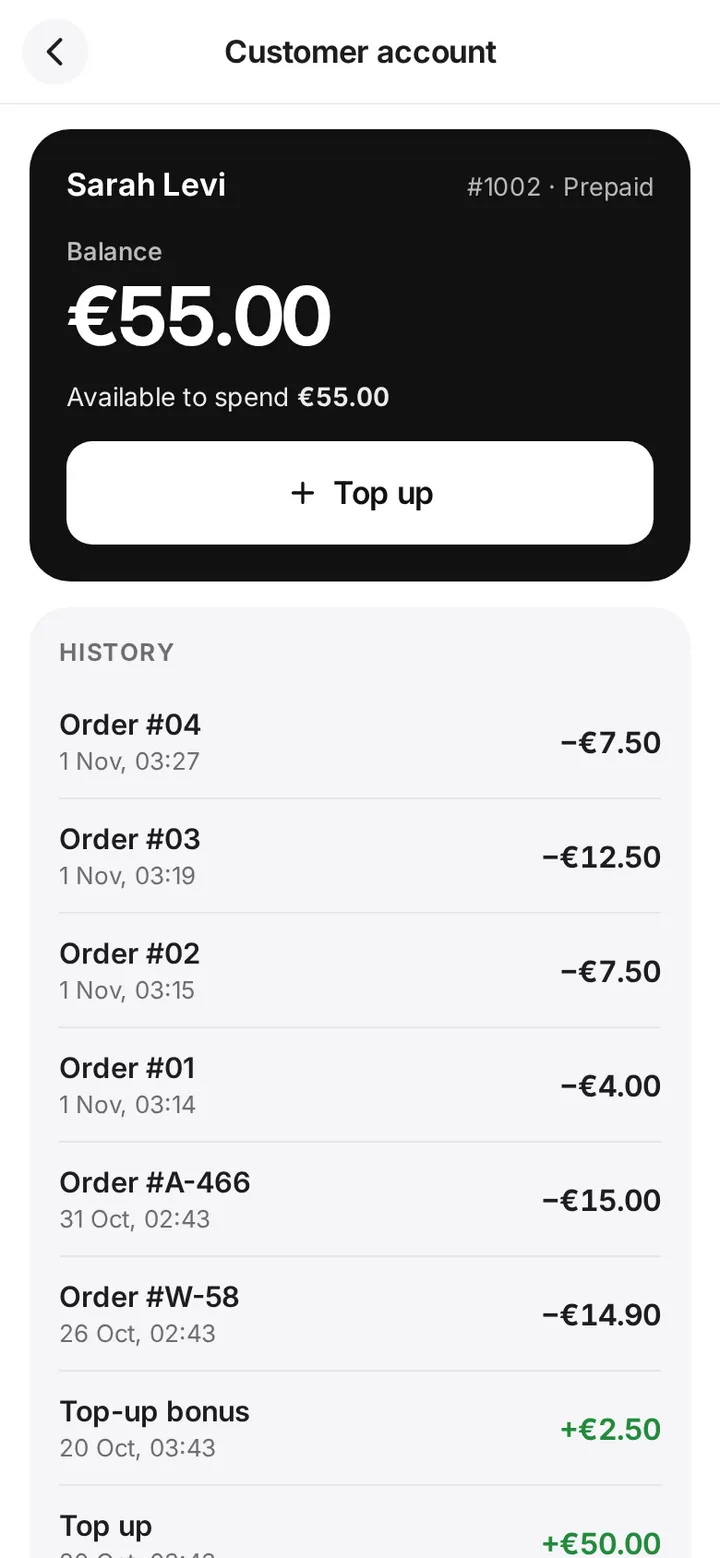
Prepaid or pay later
Customers apply on your ordering page. You approve them and choose the type and the limit.
- Prepaid balance, with top-up bonuses if you like
- Pay later with a credit limit
- Approved per account, by you
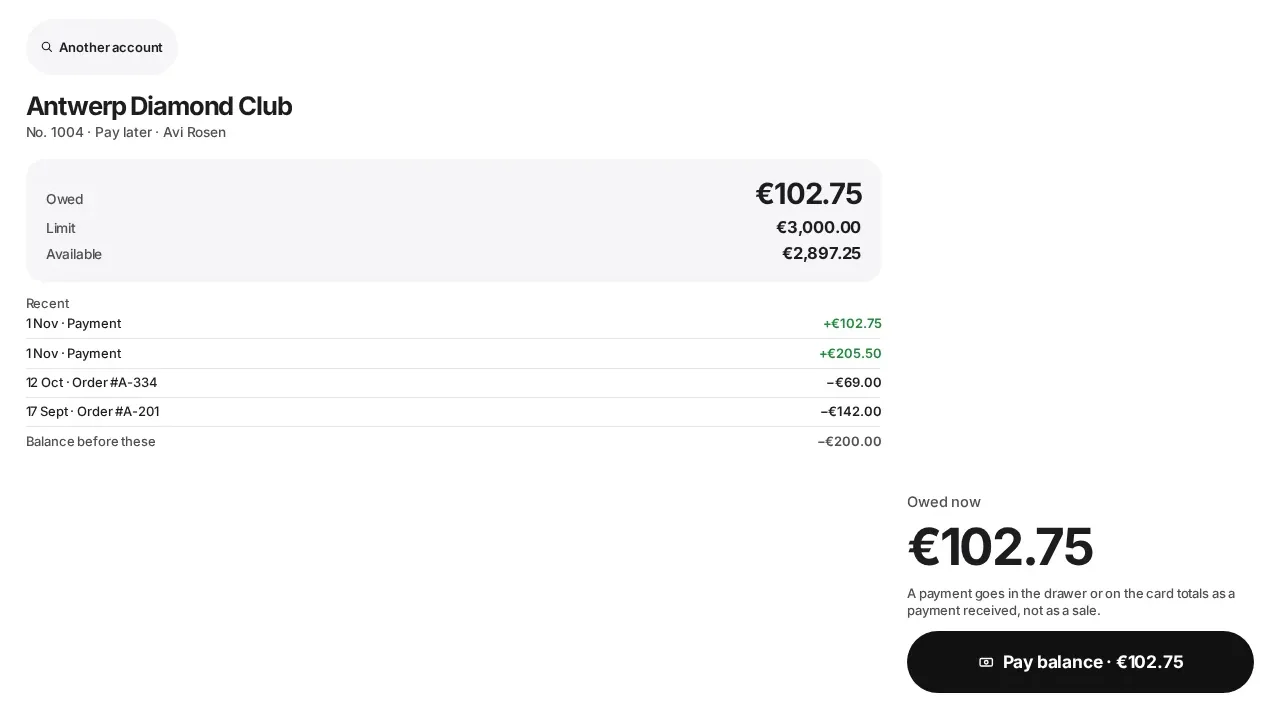
At the till
Find an account by name or phone, charge an order to it, take a top-up or a balance payment — by cash or card.
- Pay balance: all, half or another amount
- Top-ups by cash or card reader
- Works without anything on the order
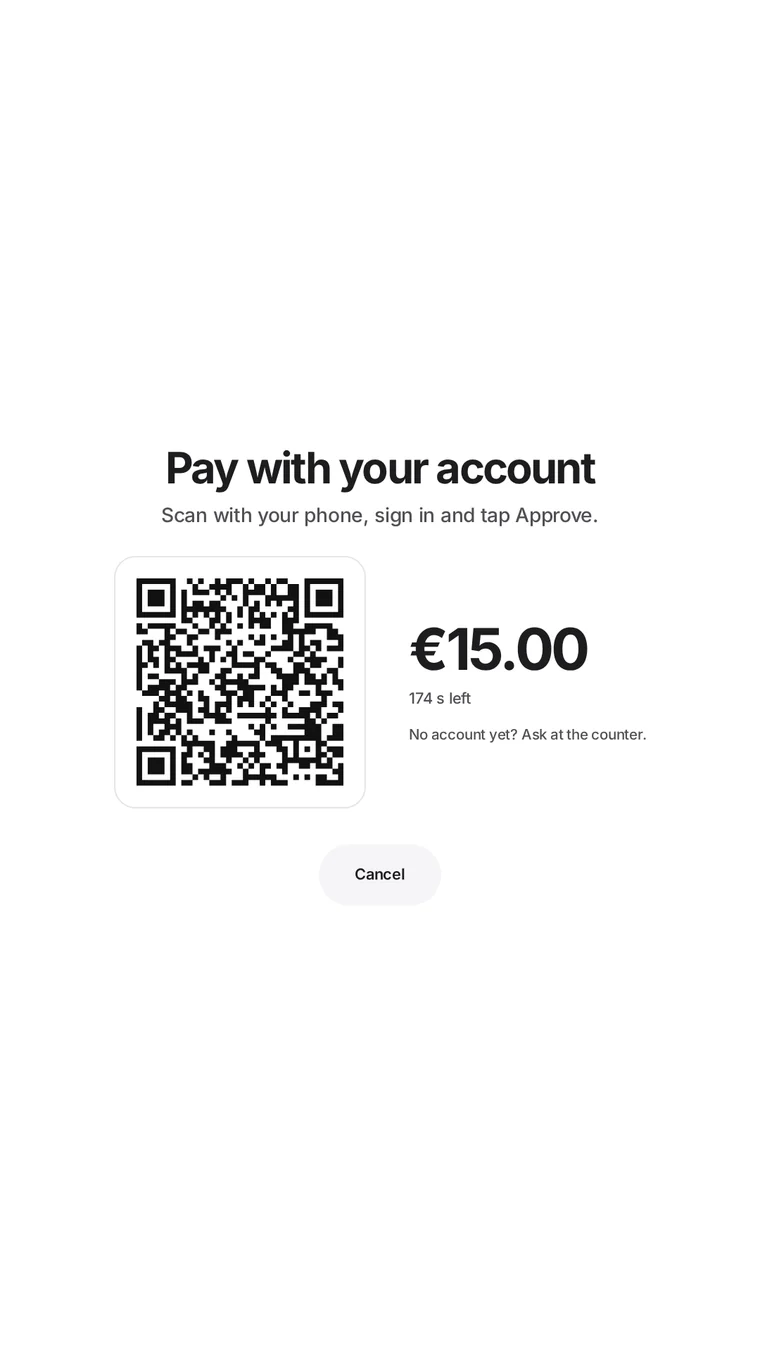
At the kiosk, with a QR
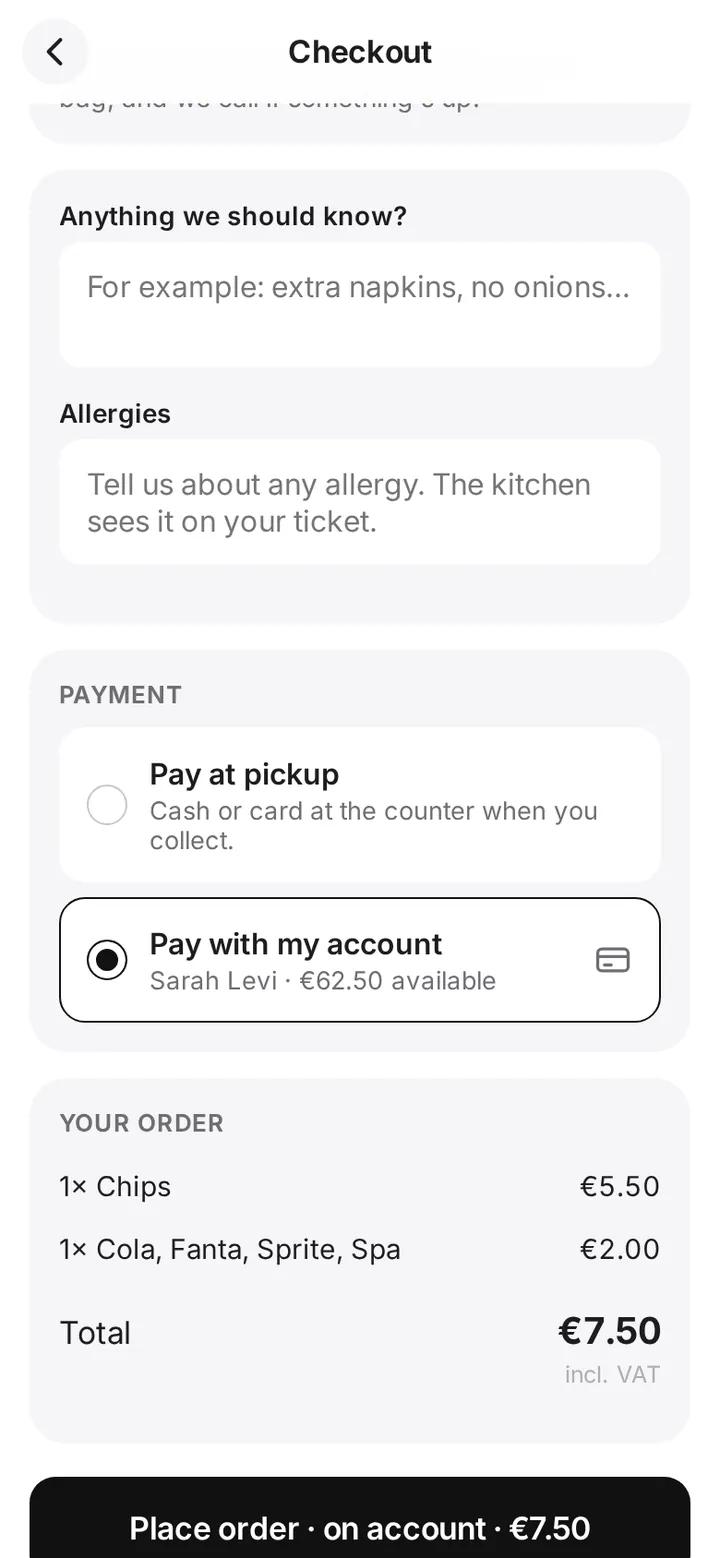
Guests choose “Pay with my account”, scan the QR and approve on their phone.
- Approve on your own phone
- No card needed at the kiosk
- Off by default
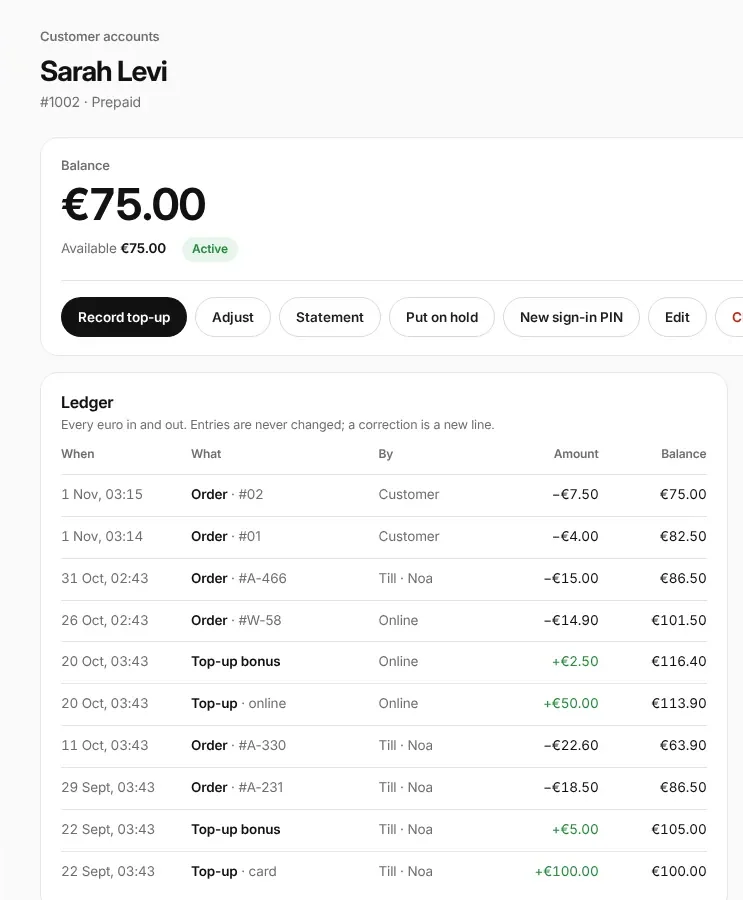
Every cent accounted for
Each account has a full history: orders, top-ups, payments and adjustments, with who did what.
- Full ledger per account
- Statements to print or share
- Pay the outstanding balance online
Good to know: Every feature is off until you switch it on in Settings. Turn on only what your business needs.
Ready when you are.
Tell us about your restaurant and we'll show you servi on your own menu.