Back office
One place to run it all: your menu, your settings, your team and your devices. Works on a laptop, and just as well on your phone.
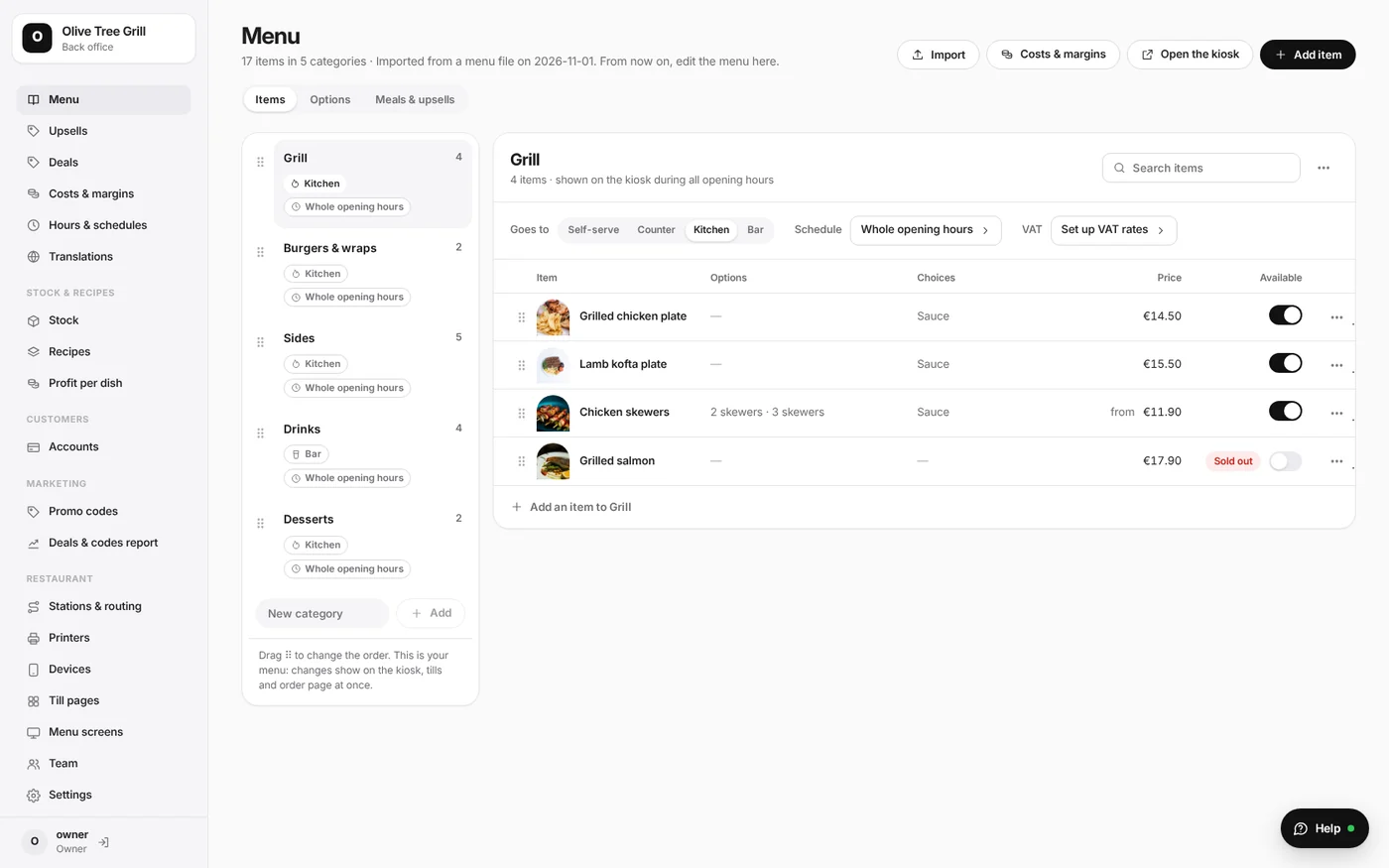
A menu builder that's easy
Categories, items, photos, sizes and options. Drag to reorder. Changes show up on every device right away.
- Options and extras per item
- Mark sold out from anywhere
- Drag to reorder
Run it from your phone
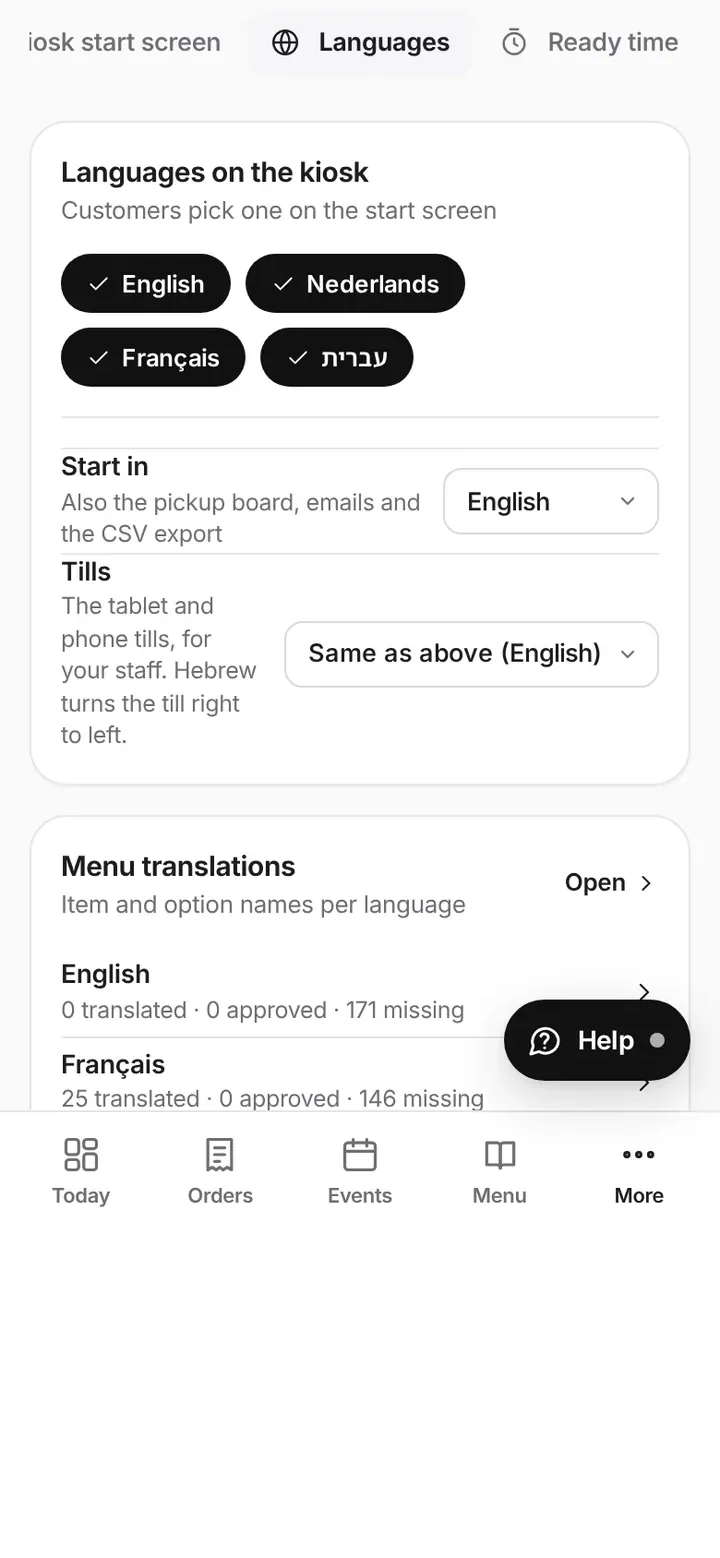
The whole back office works on a phone. Change a price or check today's sales on the go.
- Everything on mobile
- Same menu and settings
- Hebrew and right-to-left supported
Staff roles
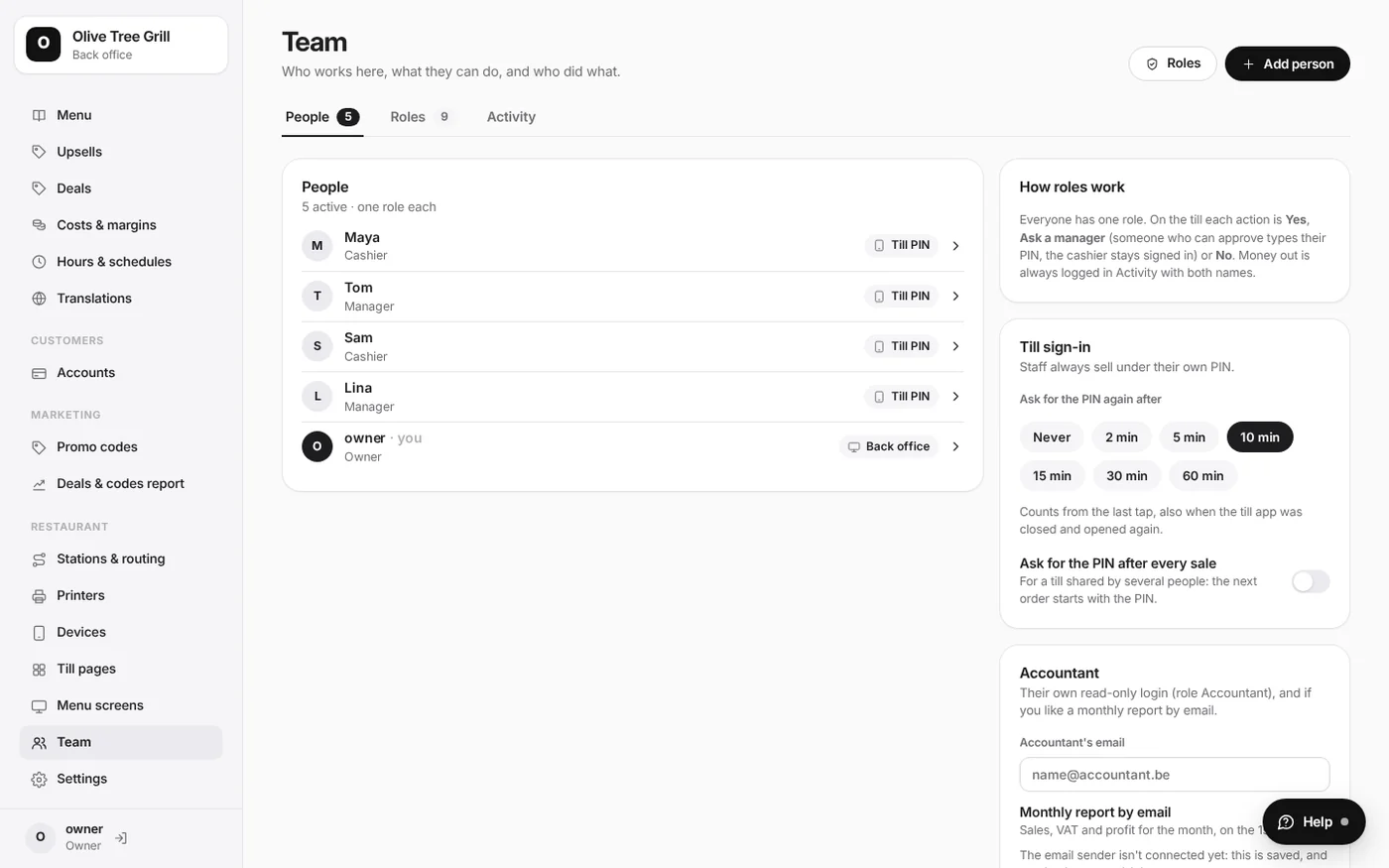
Decide who can refund, close the day or change prices. Owners, managers and staff each see what they need.
- Ready-made roles you can adjust
- A till PIN per person, and a lock after each sale if you want
- Invite people with a link on WhatsApp, no email needed
Pair devices with a code
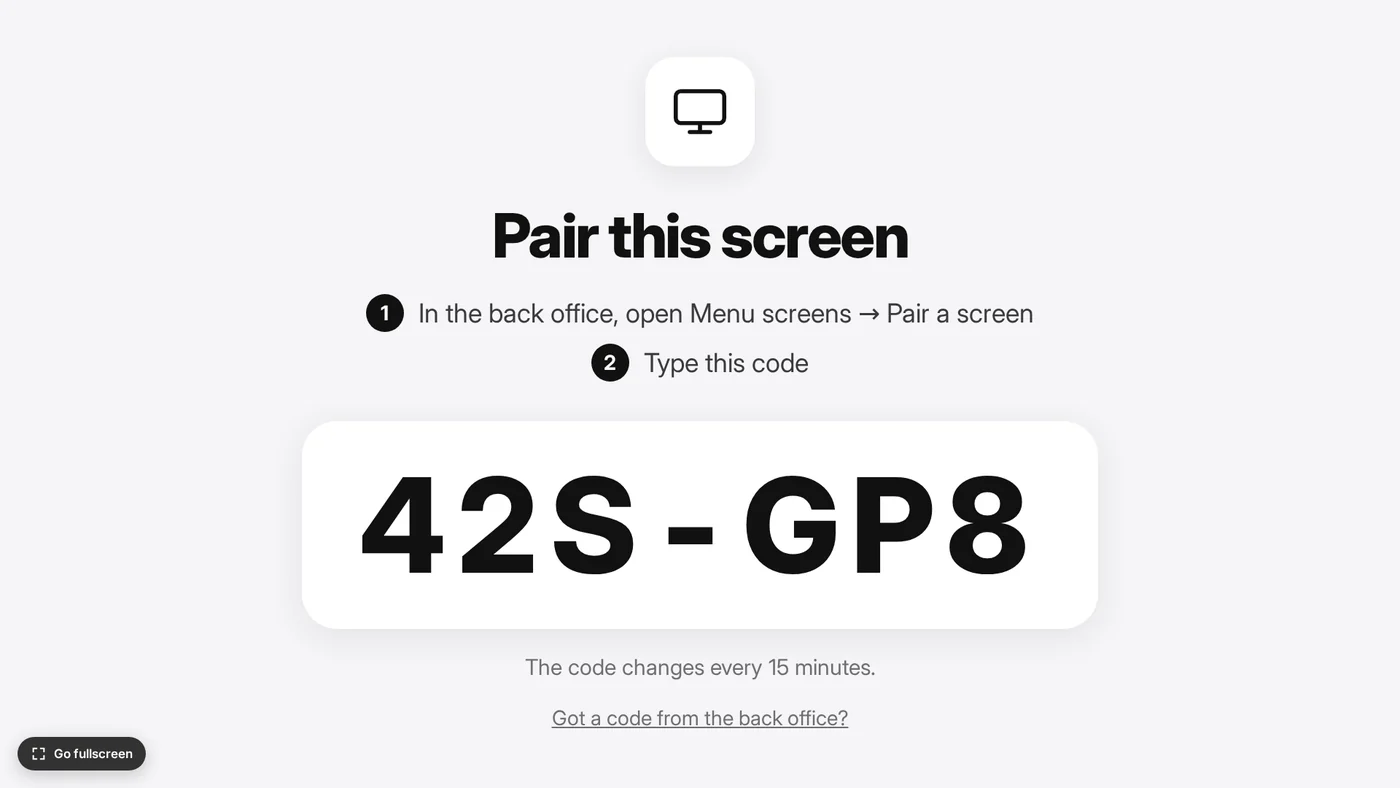
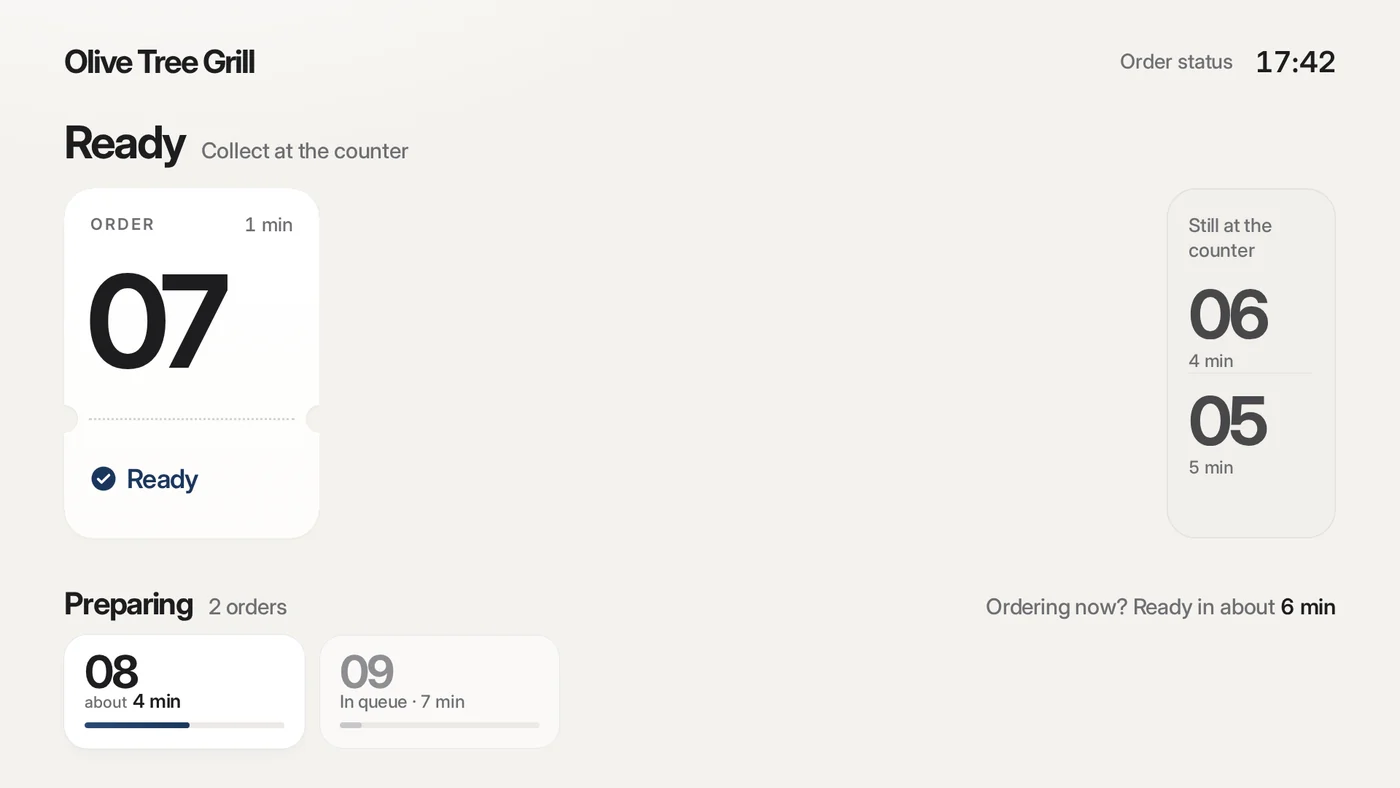
Open the app on any screen and enter its code in the back office. Kiosk, till, kitchen, boards — all the same way.
- No accounts on devices
- Rename or unpair any time
- As many screens as you need
Your look
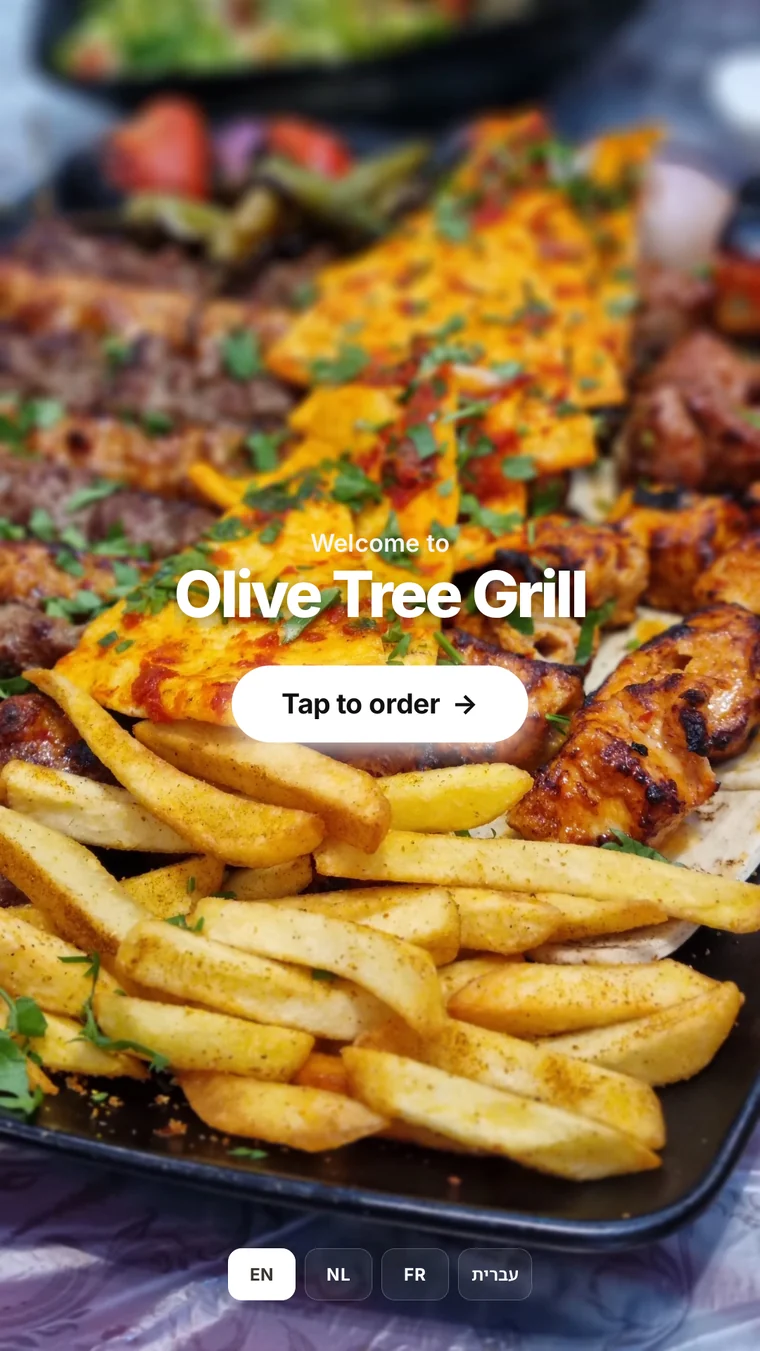
Pick light or dark designs and set your brand colour. Kiosk, ordering page and screens follow it.
- Brand colour per restaurant
- Light or dark designs
- Your photos on every screen
Who did what
The Team page shows who works here, what they can do and who did what. Every person has their own login.
- Activity per person
- Own login for everyone
VAT the way you sell
Name your VAT rates and set them per category, with a different rate for take-away where needed. Each sale keeps the VAT it was sold with, ready for your bookkeeper.
- Your own rates
- Eat in and take-away rates
- VAT saved with every sale
A setting for everything
Opening hours, pickup times, delivery zones, payments, printers, languages. Every feature is off until you switch it on.
- Every feature is a setting
- Off by default
- Change any time
More features
Insights
Prep forecasts, menu engineering and analytics. Import history from your old POS.
Learn more ›Stock & recipes
Recipes per dish, stock that follows your sales, and the true profit of every dish.
Learn more ›Accounting & branches
Daily sales, VAT and payments for your bookkeeper. Every branch in one view.
Learn more ›Ready when you are.
Tell us about your restaurant and we'll show you servi on your own menu.