Hardware & printing
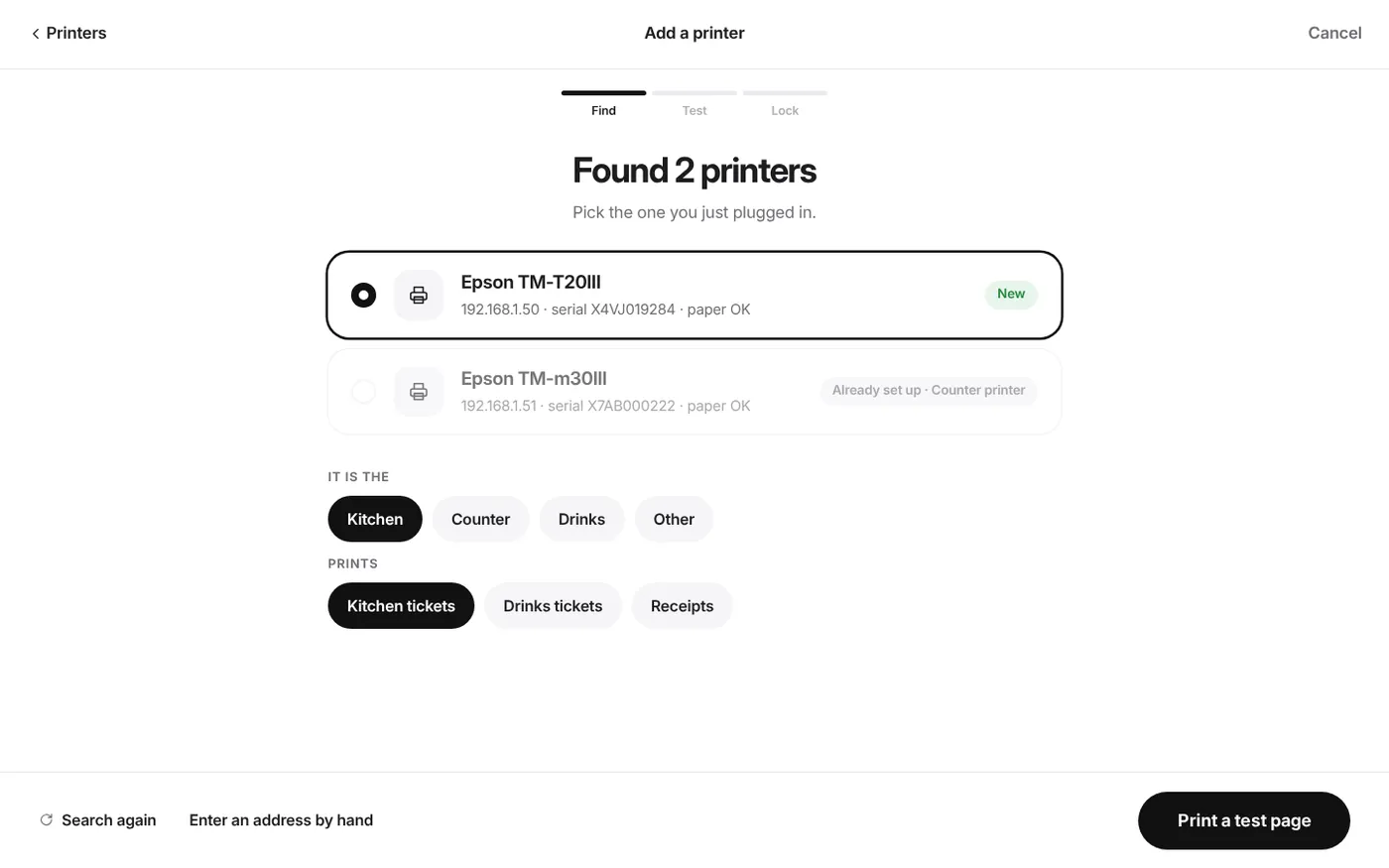
Settings → Hardware shows the printers for each till, with a test button for each one. Receipts, kitchen tickets and the cash drawer, all set up from the back office.
Every printer on one page
See which printer belongs to which till and test it from the back office. Find receipt and kitchen printers on your network, print a test page and you're done.
- Receipt and kitchen printers
- Test print and open the cash drawer
- Status for each printer
Cloud printing, no extra box
Star printers with CloudPRNT and Epson printers with Server Direct Print collect their receipts over the internet. An iPad or a browser till prints and opens the cash drawer without a computer in between.
- Star CloudPRNT and Epson Server Direct Print
- Built on the printers' own cloud protocols
- Network and hub connections too
Hebrew and other scripts, printed right
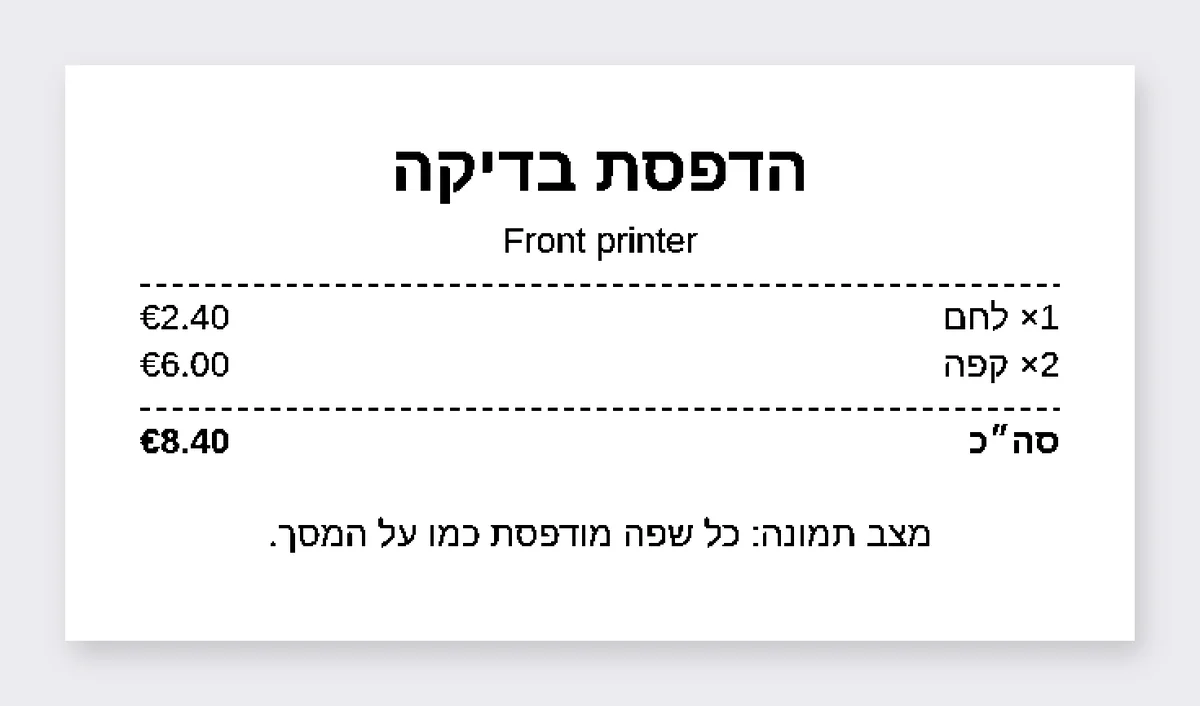
Image mode prints the receipt as a picture, so Hebrew and other scripts come out right, right-to-left included.
- Text or image mode per printer
- Image mode by default for right-to-left receipts
The kitchen knows when paper runs out
Kitchen tickets print on the kitchen printer, and the kitchen screen warns when a printer runs out of paper.
- Kitchen tickets on their own printer
- Paper-out alerts on the kitchen screen
- 58 or 80 mm paper
More features
Ready when you are.
Tell us about your restaurant and we'll show you servi on your own menu.